

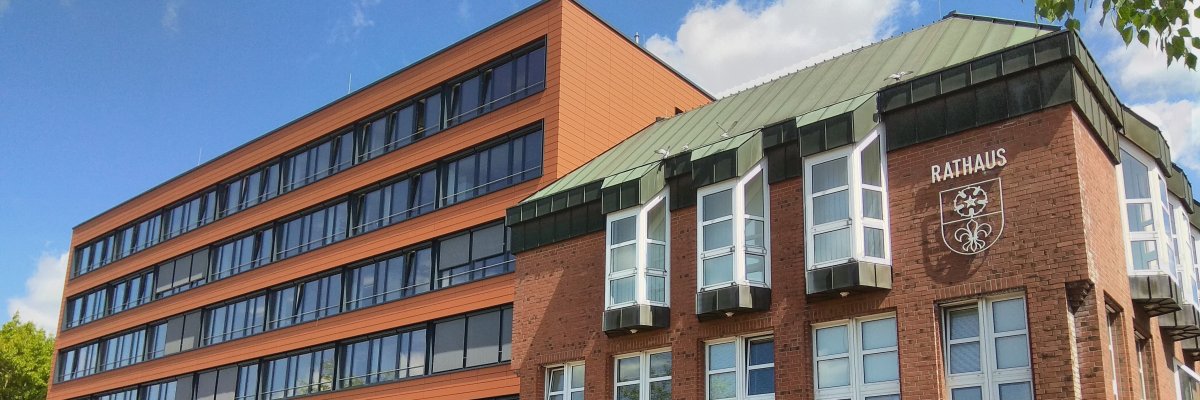
City administration building of the Stadtkevelaer

Sports & Recreation

Sun & Sound Festival at the Outdoor Pool

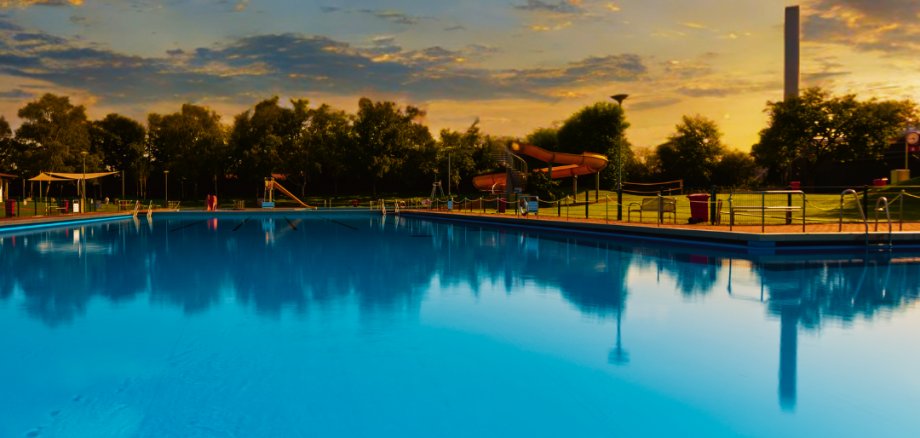
Sun, music, and that summer vibe: On Saturday, June 13, 2026, the Sun & Sound Festival will make its debut at the Kevelaer outdoor pool. The musical performances kick off at noon, and the supporting program begins at 2 p.m.

A variety of DJs and artists will provide the perfect soundtrack, ranging from relaxing tunes in the afternoon to energetic beats in the evening. The program is rounded out by water aerobics in the pool and a yoga session on the lawn.

Whether you’re swimming, sunbathing, dancing, or joining in—the Sun & Sound Festival combines music, movement, and the outdoor pool vibe in a unique festival atmosphere.

So, pack your swimsuits and get ready for a great event at the outdoor pool!

By the way: The swimming club pass is, of course, valid on this day. You can find the latest information and updates about the DJs on the Sun & Sound Festival’s Instagram page.

No employees found.

Help with accessibility

  • General

    We endeavor to make our websites accessible. You can find details on this in our accessibility statement. You can send us suggestions for improvement via our feedback form Report accessibility.

  • Font size

    To adjust the font size, please use the following key combinations:

    Larger

    ⌘command
    +

    Smaller

    ⌘command

    Larger

    Ctrl
    +

    Smaller

    Ctrl
  • Keyboard navigation

    Use TAB and SHIFT + TAB to navigate through next/previous links, form elements and buttons.

    Use ENTER to open links and interact with elements.

  • Contrast mode

    Press the following key combination to reduce or increase the contrast:

    Enlarge

    ⌃control
    ⌥option
    ⌘command
    .

    Decrease

    ⌃control
    ⌥option
    ⌘command
    ,
    Note: The shortcuts must be activated in the system settings of the operating system.

    Press the left ALT key + left SHIFT key + PRINT to quickly switch the high contrast mode on or off.

  • Invert colors

    Press the following key combination to switch the color inversion on and off:

    ⌃control
    ⌥option
    ⌘command
    8
    Note: The shortcuts must be activated in the system settings of the operating system.

    First activate the screen magnifier and then switch the color inversion on and off with the following key combinations:

    1. screen magnifier

    +

    2. invert colors

    Ctrl
    Old
    I
  • Screen magnifier

    Press the following key combinations to use the screen magnifier:

    Switch on/off

    ⌥option
    ⌘command
    8

    Enlarge view

    ⌥option
    ⌘command
    =

    Reduce view

    ⌥option
    ⌘command
    Note: The shortcuts must be activated in the system settings of the operating system.

    Switch on / Enlarge view

    +

    Reduce view