

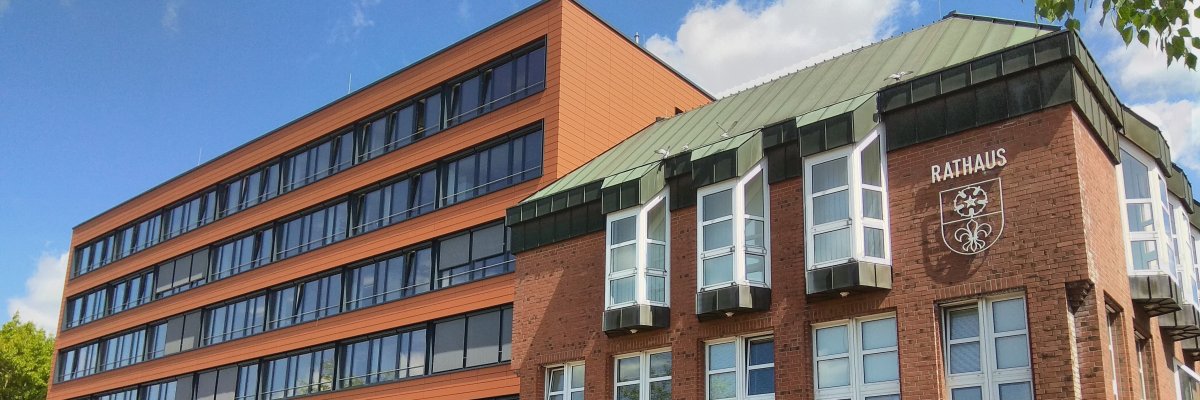
City administration building of the Stadtkevelaer

Euregio Rhine-Waal

Win Prizes for the Best Photos – Euregio Rhein-Waal Photo Contest

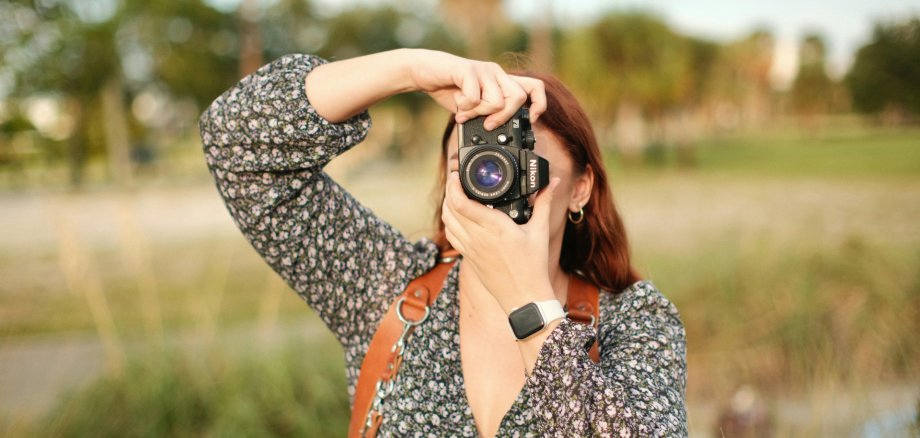
For a successful entry, it’s important that the photos relate to the theme. This year, we’re asking all amateur photographers to capture what comes to mind when they hear the words “The Euregio from Above.” Do you perhaps think of special places, beautiful views in the Rhine-Waal Euregio, or German-Dutch cross-border cooperation? Or do you have a completely different idea and are you thinking outside the box? Let us know and submit your best photos. It’s important that the photos are original and creative. The photos must also have been taken within the Euregio Rhine-Waal region.

This year, the Euregio Rhein-Waal Executive Board will select the best photos together with the residents of the Euregio Rhein-Waal. The winners will be notified by early December at the latest. The two best entries from Germany and the Netherlands, respectively, will be awarded cash prizes of 200 and 100 euros. The decision is final and cannot be contested.

Amateur photographers who are interested can submit their photos digitally until September 4, 2026, toinfo@euregio.orgor submit it in a sealed envelope marked “Photo Contest” to Euregio Rhein-Waal, Emmericher Str. 24, 47533 Kleve.

The contest is open to all residents of the Euregio Rhein-Waal, and each participant may submit up to three photos. These must be submitted digitally or as prints (minimum size 13 x 18 cm) and must include the title, location where the photo was taken, and the photographer’s name, phone number, and email address.

Euregio Rhein-Waal will receive the rights to use all submitted photos, provided the photographer is credited. The submitted copies of the photos will become the property of Euregio Rhein-Waal.

Source: Euregio Rhine-Waal

Help with accessibility

  • General

    We endeavor to make our websites accessible. You can find details on this in our accessibility statement. You can send us suggestions for improvement via our feedback form Report accessibility.

  • Font size

    To adjust the font size, please use the following key combinations:

    Larger

    ⌘command
    +

    Smaller

    ⌘command

    Larger

    Ctrl
    +

    Smaller

    Ctrl
  • Keyboard navigation

    Use TAB and SHIFT + TAB to navigate through next/previous links, form elements and buttons.

    Use ENTER to open links and interact with elements.

  • Contrast mode

    Press the following key combination to reduce or increase the contrast:

    Enlarge

    ⌃control
    ⌥option
    ⌘command
    .

    Decrease

    ⌃control
    ⌥option
    ⌘command
    ,
    Note: The shortcuts must be activated in the system settings of the operating system.

    Press the left ALT key + left SHIFT key + PRINT to quickly switch the high contrast mode on or off.

  • Invert colors

    Press the following key combination to switch the color inversion on and off:

    ⌃control
    ⌥option
    ⌘command
    8
    Note: The shortcuts must be activated in the system settings of the operating system.

    First activate the screen magnifier and then switch the color inversion on and off with the following key combinations:

    1. screen magnifier

    +

    2. invert colors

    Ctrl
    Old
    I
  • Screen magnifier

    Press the following key combinations to use the screen magnifier:

    Switch on/off

    ⌥option
    ⌘command
    8

    Enlarge view

    ⌥option
    ⌘command
    =

    Reduce view

    ⌥option
    ⌘command
    Note: The shortcuts must be activated in the system settings of the operating system.

    Switch on / Enlarge view

    +

    Reduce view