

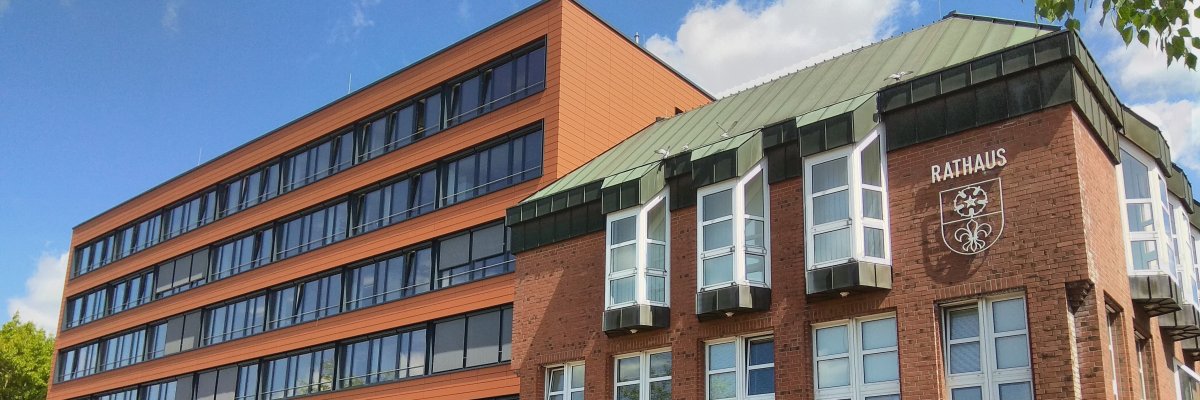
City administration building of the Stadtkevelaer

Security and order

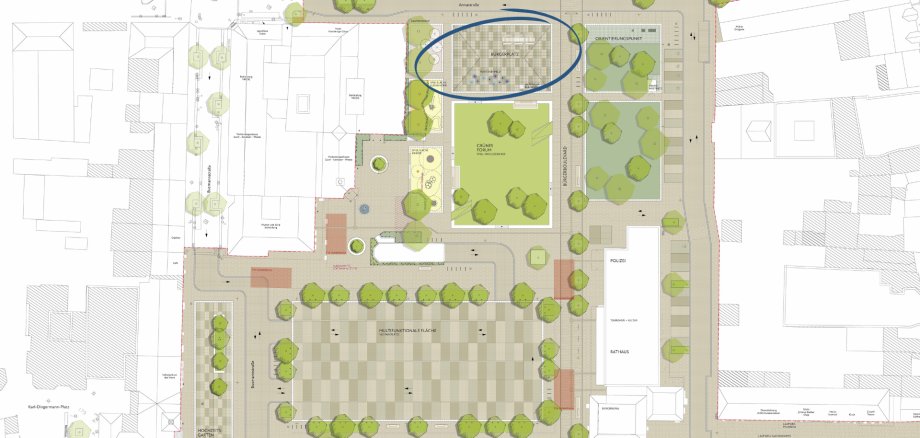
New Bürgerplatz - No parking lot

The renovation of Peter-Plümpe-Platz is now well advanced, so that there are now sufficient parking spaces available again (between the town hall and Volksbank). In the meantime, parking was also tolerated on the new Bürgerplatz in the area of Peter-Plümpe-Platz/Annastraße. However, the Bürgerplatz is not intended as a parking area. It is to be used much more as a place to linger and relax. In the near future, tables and benches will be installed to further enhance the quality of the space.

The Bürgerplatz is located in a traffic-calmed area. Parking is only permitted in areas marked for parking. These areas are not available on the Bürgerplatz. The signage (blue rectangular sign with children playing) is located at the junction of Hauptstraße/Annastraße and at Peter-Plümpe-Platz No. 15 (medical supply store). The traffic-calmed area is therefore well and sufficiently signposted and recognizable as such.

For this reason, parking on the Bürgerplatz (where the weekly market takes place) will no longer be tolerated with immediate effect and a warning will be issued for a fee.

No employees found.

Help with accessibility

  • General

    We endeavor to make our websites accessible. You can find details on this in our accessibility statement. You can send us suggestions for improvement via our feedback form Report accessibility.

  • Font size

    To adjust the font size, please use the following key combinations:

    Larger

    ⌘command
    +

    Smaller

    ⌘command

    Larger

    Ctrl
    +

    Smaller

    Ctrl
  • Keyboard navigation

    Use TAB and SHIFT + TAB to navigate through next/previous links, form elements and buttons.

    Use ENTER to open links and interact with elements.

  • Contrast mode

    Press the following key combination to reduce or increase the contrast:

    Enlarge

    ⌃control
    ⌥option
    ⌘command
    .

    Decrease

    ⌃control
    ⌥option
    ⌘command
    ,
    Note: The shortcuts must be activated in the system settings of the operating system.

    Press the left ALT key + left SHIFT key + PRINT to quickly switch the high contrast mode on or off.

  • Invert colors

    Press the following key combination to switch the color inversion on and off:

    ⌃control
    ⌥option
    ⌘command
    8
    Note: The shortcuts must be activated in the system settings of the operating system.

    First activate the screen magnifier and then switch the color inversion on and off with the following key combinations:

    1. screen magnifier

    +

    2. invert colors

    Ctrl
    Old
    I
  • Screen magnifier

    Press the following key combinations to use the screen magnifier:

    Switch on/off

    ⌥option
    ⌘command
    8

    Enlarge view

    ⌥option
    ⌘command
    =

    Reduce view

    ⌥option
    ⌘command
    Note: The shortcuts must be activated in the system settings of the operating system.

    Switch on / Enlarge view

    +

    Reduce view