

Opening hours
Before visiting the city administration, we ask you to contact the employees by telephone or in writing, if possible, in order to clarify the matter directly or to arrange an appointment. This way you can avoid waiting times. Please also note our special opening hours. You can book your appointment for the citizens' office online .
Appointments can be made outside of opening hours by prior arrangement.
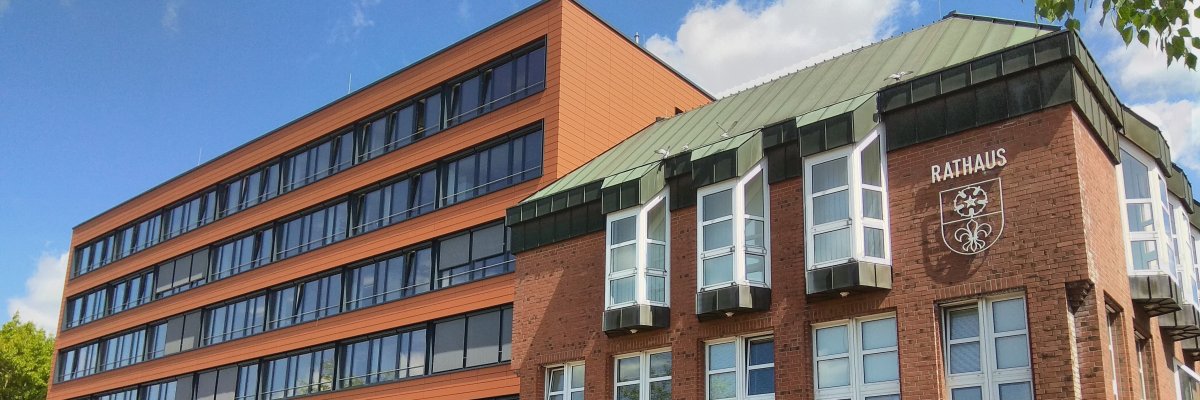
Town Hall, Peter-Plümpe-Platz 12, 47623 Kevelaer
01.01.2026until31.12.2026
Monday
From 09:00 to 16:00
Tuesday
From 09:00 to 16:00
Wednesday
From 09:00 to 16:00
Thursday
From 09:00 to 16:00
Friday
From 09:00 to 12:30
Special opening hours
Citizens' office - by appointment only
Monday
From 09:00 to 17:00
Tuesday
From 09:00 to 17:00
Wednesday
From 09:00 to 12:30
Thursday
From 09:00 to 18:00
Friday
From 10:00 to 12:30
Saturday 10:00 - 12:30 - Only on the first Saturday of the month
Friday 07:30 - 10:00 - without prior appointment
Registry office - by appointment only
Monday
From 09:00 to 12:30 From 14:00 to 16:00
Tuesday
From 09:00 to 12:30 From 14:00 to 16:00
Wednesday
From 14:00 to 16:00
Thursday
From 09:00 to 12:30 From 14:00 to 16:00
Friday
From 09:00 to 12:30
Wednesday 09:00 - 12:30 - without prior appointment*
* During this time, you can visit the registry office without making an appointment. However, depending on your request, a follow-up appointment may be necessary.
An appointment must be made in advance by telephone during normal opening hours.
Youth and Administration Center - Kroatenstraße 85, 47623 Kevelaer
Jobcenter and housing benefit office by appointment only.
Monday
From 09:00 to 12:30 From 14:00 to 16:00
Tuesday
From 09:00 to 12:30 From 14:00 to 16:00
Wednesday
From 09:00 to 12:30 From 14:00 to 16:00
Thursday
From 09:00 to 12:30 From 14:00 to 16:00
Friday
From 09:00 to 12:30
City Archive, Venloer Straße 33-35, 47623 Kevelaer
The city archive is only open by appointment.
Tourist Information in the St. Jakob brine garden
01.05.2026until31.10.2026
Tuesday
From 09:00 to 13:00 From 13:30 to 17:00
Wednesday
From 09:00 to 13:00 From 13:30 to 17:00
Thursday
From 09:00 to 13:00 From 13:30 to 17:00
Friday
From 9:00 a.m. to 1:00 p.m.
Saturday
From 10:00 to 14:00
Sunday
From 10:00 to 14:00