


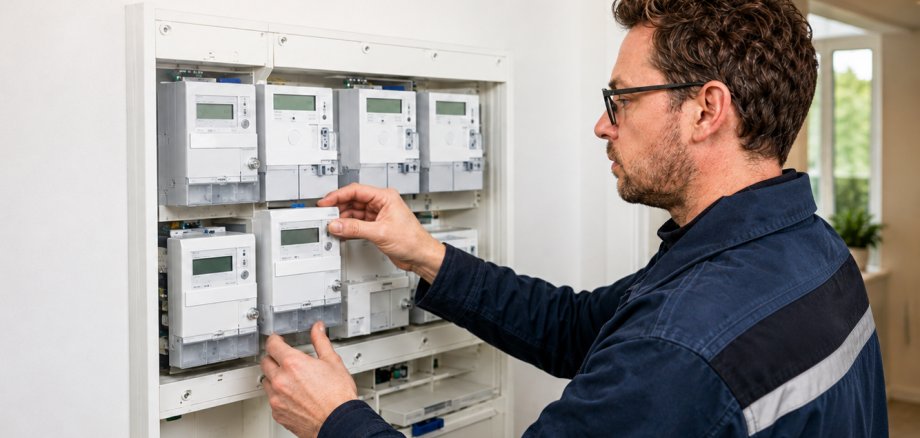
Households in parts of Kevelaer are currently receiving letters offering the installation of a smart meter. Stadtwerke Kevelaer points out that this is an offer from a competing meter operator. Such a letter is not to be confused with a notice from the primary meter operator as part of the legally mandated smart meter rollout.
What is a smart meter?
A smart meter is officially referred to as an intelligent metering system. It consists of a digital electricity meter—known as a modern metering device—and a smart meter gateway. This enables the secure digital transmission of metering data. At the same time, consumers can track their electricity usage in greater detail.
The installation of smart metering systems is being implemented gradually in Germany. The Metering Point Operations Act governs, among other things, the circumstances under which metering points are to be equipped with a smart metering system.
Primary Metering Point Operator and Competitive Metering Point Operator—What's the Difference?
Westnetz GmbH, as the primary metering point operator, is responsible for the smart meter rollout mandated by law in Kevelaer. If the installation of a smart metering system is planned as part of this rollout, Westnetz will notify the affected customers in advance.
Statutory price caps apply to the basic metering service. The maximum annual fee for a smart metering system depends on the specific installation, such as annual electricity consumption or the capacity of a generation facility.
In addition, it is possible to engage a competitive metering point operator. This is an alternative provider that takes over the operation of the metering point based on its own contract. The terms and fees are set forth in this contract.
A corresponding offer therefore does not mean that a meter replacement is required as a result of this letter or that immediate action is necessary.
Carefully review offers and the fine print
Stadtwerke Kevelaer recommends that you take your time to thoroughly review any offers for the installation and operation of a smart meter. You should also pay special attention to the fine print.
Terms such as “free installation” do not necessarily refer to all services associated with meter operation. Before signing a contract, you should therefore pay particular attention to any recurring fees, contract terms, and other contractual conditions. Even a deadline specified in an offer should not prevent you from carefully reviewing the terms and conditions first.
Anyone who receives such a letter is not required to take any action based solely on this offer. If installation is planned at a metering point as part of the mandated smart meter rollout, Westnetz will notify those affected in a timely manner.