
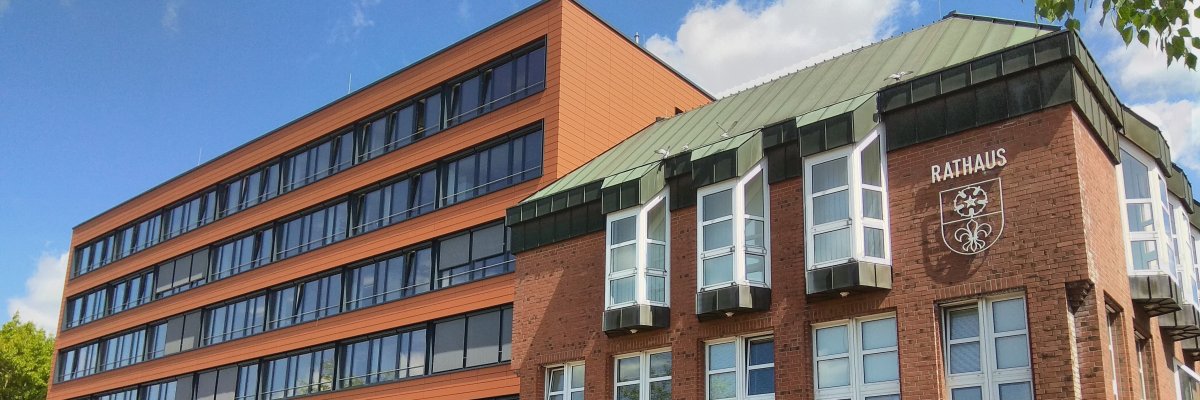
City administration building of the Stadtkevelaer
> Translation notice: This page has been automatically translated with the support of DeepL. Differences from the original German text may occur. Only the German version is legally binding.

Stadtentwicklung

Sie sind gefragt: Wie soll sich der Einzelhandel in Kevelaer entwickeln?

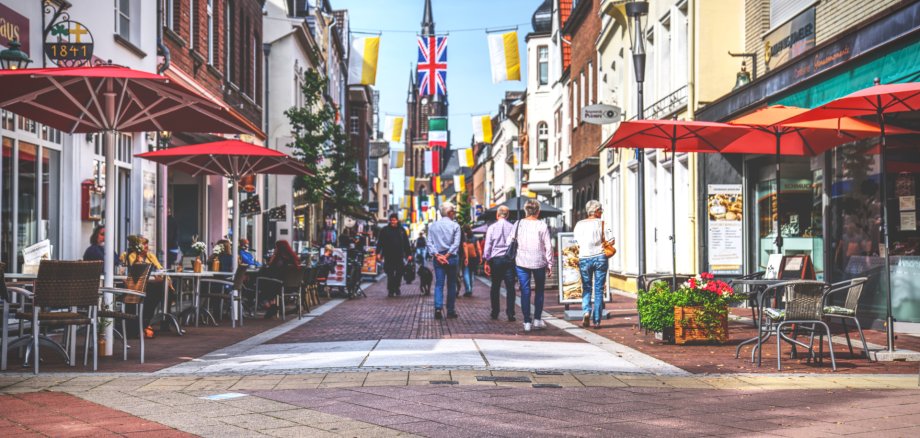
Die Wallfahrtsstadt Kevelaer schreibt ihr Einzelhandelskonzept fort und bindet die Bürgerinnen und Bürger aktiv in den Prozess mit ein. Denn ein dynamischer und vielseitiger Einzelhandel sichert die Attraktivität und Lebensqualität unserer Heimatstadt. Damit Kevelaer auch in Zukunft ein beliebter Ort zum Einkaufen, Verweilen und Begegnen bleibt, entwickeln wir unser Einzelhandelskonzept konsequent weiter.

Welches Angebot vermissen Sie? Wo sehen Sie Potenziale? Ihre Rückmeldungen bilden das Fundament für die Entscheidungen von morgen. Im Rahmen einer Online-Haushaltsbefragung hatten Sie bereits die Möglichkeit mitzuteilen, wie sich Ihrer Meinung nach der Einzelhandel zukünftig entwickeln soll, welche Angebote Ihnen fehlen oder wo Verbesserungsbedarf besteht. Die dabei gewonnenen Erkenntnisse und Ergebnisse des beauftragten Fachbüros CIMA Beratung + Management GmbH aus Köln bilden eine wichtige Grundlage für die weitere Planung.

Bei einem öffentlichen Bürgerworkshop sind alle Interessierten herzlich eingeladen, sich über die wichtigsten Erkenntnisse zu informieren, eigene Perspektiven einzubringen und gemeinsam mit der Verwaltung und den Fachplaner*innen über mögliche Ansätze für die zukünftige Entwicklung in Kevelaer zu diskutieren.

Dazu lädt die Wallfahrtsstadt Kevelaer am Mittwoch, den 25.11.2026 um 18 Uhr in das Forum der Öffentlichen Begegnungsstätte ein. Eine vorherige Anmeldung ist nicht erforderlich.

Wir freuen uns auf Ihre Teilnahme und Ihre wertvollen Ideen und Impulse für eine starke und zukunftsfähige Innenstadt in Kevelaer!

No employees found.

Help with accessibility

  • General

    We endeavor to make our websites accessible. You can find details on this in our accessibility statement. You can send us suggestions for improvement via our feedback form Report accessibility.

  • Font size

    To adjust the font size, please use the following key combinations:

    Larger

    ⌘command
    +

    Smaller

    ⌘command
    –

    Larger

    Ctrl
    +

    Smaller

    Ctrl
    –
  • Keyboard navigation

    Use TAB and SHIFT + TAB to navigate through next/previous links, form elements and buttons.

    Use ENTER to open links and interact with elements.

  • Contrast mode

    Press the following key combination to reduce or increase the contrast:

    Enlarge

    ⌃control
    ⌥option
    ⌘command
    .

    Decrease

    ⌃control
    ⌥option
    ⌘command
    ,
    Note: The shortcuts must be activated in the system settings of the operating system.

    Press the left ALT key + left SHIFT key + PRINT to quickly switch the high contrast mode on or off.

  • Invert colors

    Press the following key combination to switch the color inversion on and off:

    ⌃control
    ⌥option
    ⌘command
    8
    Note: The shortcuts must be activated in the system settings of the operating system.

    First activate the screen magnifier and then switch the color inversion on and off with the following key combinations:

    1. screen magnifier

    +

    2. invert colors

    Ctrl
    Old
    I
  • Screen magnifier

    Press the following key combinations to use the screen magnifier:

    Switch on/off

    ⌥option
    ⌘command
    8

    Enlarge view

    ⌥option
    ⌘command
    =

    Reduce view

    ⌥option
    ⌘command
    –
    Note: The shortcuts must be activated in the system settings of the operating system.

    Switch on / Enlarge view

    +

    Reduce view

    –