

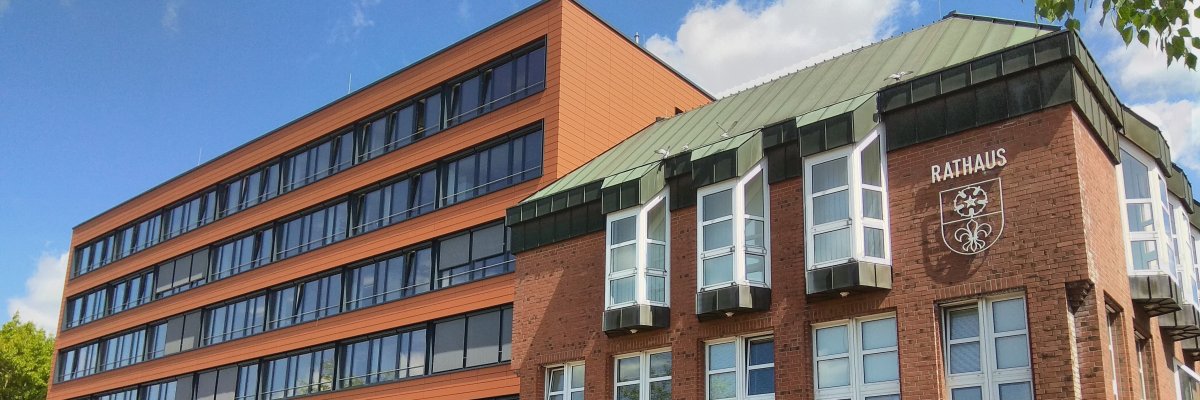
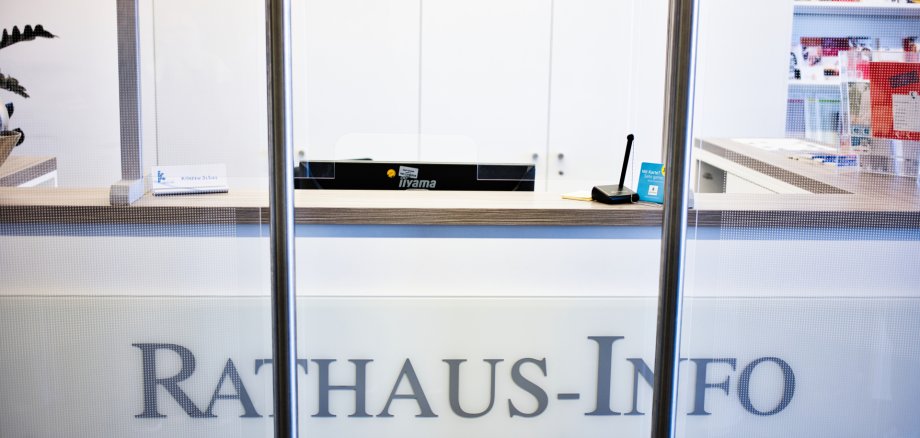
The pilgrimage town of Kevelaer is taking another important step towards digitalization and modern communication with citizens: a voicebot will no longer only be used outside of opening hours, but will now also support the citizens' office during regular service hours.
The new digital assistant answers calls to the central town hall number and guides callers through the most important issues in a short, easy-to-understand dialog. The focus is on two functions:
- Direct information:
For frequently asked questions - such as opening hours, contact persons, forms, required documents or other standard services - citizens receive the right information immediately.
- Personal contact:
For individual concerns or if personal clarification is required, callers are put through to the Citizens' Office. They can present their concerns there and receive direct support or are forwarded to the responsible contact person or specialist department.
The Voicebot complements the existing services offered by the pilgrimage town of Kevelaer. Personal consultations, telephone information from employees and information on the municipal website remain central components of the citizen service.
"Personal contact remains important to us," emphasizes Mayor Dr. Dominik Pichler. "With the Voicebot, we are using digital options to reduce waiting times, improve availability and relieve our employees in a targeted manner."
Tips for optimal use
To ensure that the voicebot understands your request well and can help you quickly, we recommend
- Speak clearly and in complete sentences.
- Wait until the voicebot has spoken.
- Describe your request as specifically as possible (e.g. "I would like to apply for an ID card" instead of just "ID card").
At best, the digital assistant can provide information directly or connect you quickly with the Citizens' Advice Bureau.
Your feedback is expressly welcome. Would you like to tell us about your experiences with our voicebot or make suggestions for improving the service? Then please send us an e-mail to: digital@kevelaer.de.
Data protection and data security
When using the voicebot, the applicable data protection regulations are observed. Only the information required to process the request is processed. Personal data will not be used for any other purpose.
The voicebot uses the municipal website and a knowledge base to provide answers. The service is continuously being developed and adapted to the needs of citizens. To this end, calls can be recorded and analyzed for quality purposes - only with the consent of the caller. Please help us to improve and agree to the recording of your call.
Background
Many local authorities in Germany are increasingly relying on digital assistance systems to deal with the increasing volume of communication and to make their services more efficient. Kevelaer is also using these opportunities to further improve its citizen service.
"Our aim is to bundle routine inquiries and thus create more time for complex requests such as passport applications," explains Werner Barz, Head of Internal Services and Citizens' Office. "At the same time, we ensure that callers are helped quickly and in a targeted manner."