

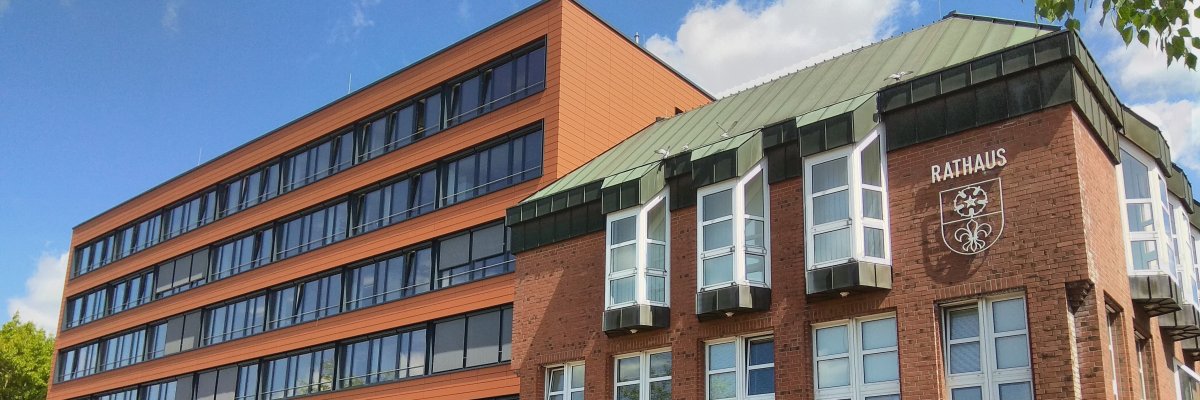

City administration building of the Stadtkevelaer

Kleve district

“Check Your Network!” — in the Kleve district, too

How is our cell phone network actually performing—in everyday life, on the go, or out in nature? That’s exactly what the second nationwide mobile network measurement week is all about. It starts today, June 24, 2026, and runs through July 1, 2026. Under the slogan “Check Your Network,” citizens are invited to get involved.

Every contribution helps! The more people who participate, the more accurate the picture of mobile network coverage in Germany will be. This initiative by the federal government, the states, and local authorities aims to highlight network quality from the users’ perspective and identify areas where improvements are needed. The measurement data provides important insights, particularly in rural regions or areas with challenging topography.

Participating is easy: During the mobile network measurement week, anyone interested can check their network using their smartphone and the Federal Network Agency’s free “Mobilfunk-Check” app. The anonymized data collected during the survey will be incorporated into the Gigabit Land Registry and will show how users experience the mobile network in their everyday lives.

The Mobile Network Measurement Week thus implements an important initiative by the federal government: In the future, network quality will be assessed more heavily based on users’ experiences. This is exactly where everyone can do their part.

Source: District of Kleve

Help with accessibility

  • General

    We endeavor to make our websites accessible. You can find details on this in our accessibility statement. You can send us suggestions for improvement via our feedback form Report accessibility.

  • Font size

    To adjust the font size, please use the following key combinations:

    Larger

    ⌘command
    +

    Smaller

    ⌘command

    Larger

    Ctrl
    +

    Smaller

    Ctrl
  • Keyboard navigation

    Use TAB and SHIFT + TAB to navigate through next/previous links, form elements and buttons.

    Use ENTER to open links and interact with elements.

  • Contrast mode

    Press the following key combination to reduce or increase the contrast:

    Enlarge

    ⌃control
    ⌥option
    ⌘command
    .

    Decrease

    ⌃control
    ⌥option
    ⌘command
    ,
    Note: The shortcuts must be activated in the system settings of the operating system.

    Press the left ALT key + left SHIFT key + PRINT to quickly switch the high contrast mode on or off.

  • Invert colors

    Press the following key combination to switch the color inversion on and off:

    ⌃control
    ⌥option
    ⌘command
    8
    Note: The shortcuts must be activated in the system settings of the operating system.

    First activate the screen magnifier and then switch the color inversion on and off with the following key combinations:

    1. screen magnifier

    +

    2. invert colors

    Ctrl
    Old
    I
  • Screen magnifier

    Press the following key combinations to use the screen magnifier:

    Switch on/off

    ⌥option
    ⌘command
    8

    Enlarge view

    ⌥option
    ⌘command
    =

    Reduce view

    ⌥option
    ⌘command
    Note: The shortcuts must be activated in the system settings of the operating system.

    Switch on / Enlarge view

    +

    Reduce view