

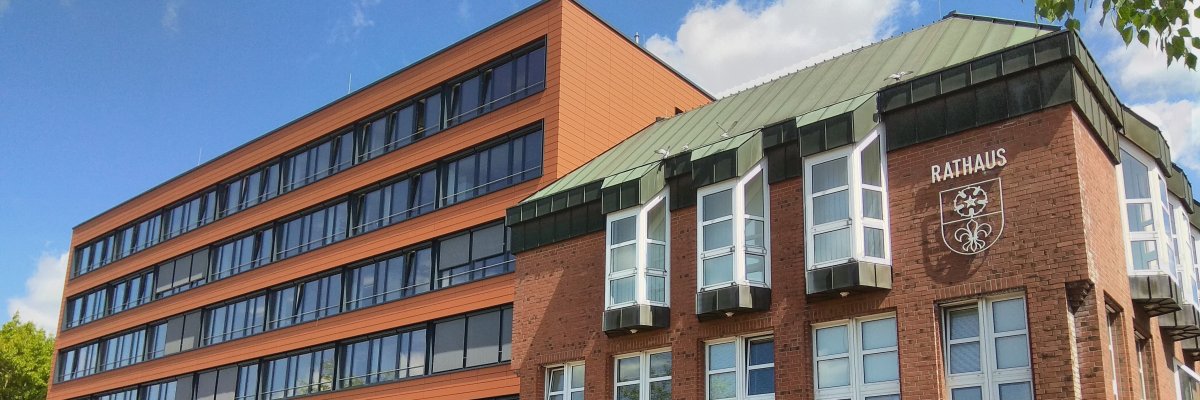
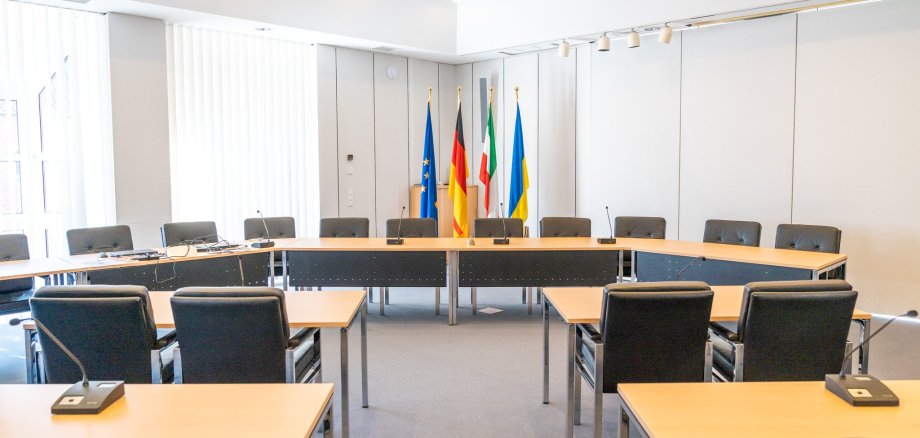
City administration building of the Stadtkevelaer

Council and committees

Reconstitution of the Youth Welfare Committee after the 2025 municipal elections

A new youth welfare committee is to be set up following the election of the new council of the pilgrimage town of Kevelaer on September 14, 2025.

In accordance with Section 71 Para. 1 No. 2 of the German Social Code Book Eight (SGB VIII) in conjunction with Section 4 of the First Act on the Implementation of the Child and Youth Welfare Act (AG-KJHG), the Youth Welfare Committee includes six women and men as voting members who are nominated by the recognized independent youth welfare organizations operating in the area of the pilgrimage town of Kevelaer. The proposals of the youth associations and welfare organizations are to be given appropriate consideration.

The youth associations, welfare organizations and recognized independent youth welfare organizations known to the Kevelaer Youth Welfare Office have already been asked in writing by e-mail to nominate suitable persons.

If a youth association, welfare organization or a recognized independent youth welfare organization operating in the area of the pilgrimage town of Kevelaer has not yet received notification, it is hereby requested to nominate one or more suitable persons by 17 October 2025 at the latest. The proposed persons must have the right to stand for election and reside in the pilgrimage town of Kevelaer.

No employees found.

Help with accessibility

  • General

    We endeavor to make our websites accessible. You can find details on this in our accessibility statement. You can send us suggestions for improvement via our feedback form Report accessibility.

  • Font size

    To adjust the font size, please use the following key combinations:

    Larger

    ⌘command
    +

    Smaller

    ⌘command

    Larger

    Ctrl
    +

    Smaller

    Ctrl
  • Keyboard navigation

    Use TAB and SHIFT + TAB to navigate through next/previous links, form elements and buttons.

    Use ENTER to open links and interact with elements.

  • Contrast mode

    Press the following key combination to reduce or increase the contrast:

    Enlarge

    ⌃control
    ⌥option
    ⌘command
    .

    Decrease

    ⌃control
    ⌥option
    ⌘command
    ,
    Note: The shortcuts must be activated in the system settings of the operating system.

    Press the left ALT key + left SHIFT key + PRINT to quickly switch the high contrast mode on or off.

  • Invert colors

    Press the following key combination to switch the color inversion on and off:

    ⌃control
    ⌥option
    ⌘command
    8
    Note: The shortcuts must be activated in the system settings of the operating system.

    First activate the screen magnifier and then switch the color inversion on and off with the following key combinations:

    1. screen magnifier

    +

    2. invert colors

    Ctrl
    Old
    I
  • Screen magnifier

    Press the following key combinations to use the screen magnifier:

    Switch on/off

    ⌥option
    ⌘command
    8

    Enlarge view

    ⌥option
    ⌘command
    =

    Reduce view

    ⌥option
    ⌘command
    Note: The shortcuts must be activated in the system settings of the operating system.

    Switch on / Enlarge view

    +

    Reduce view