

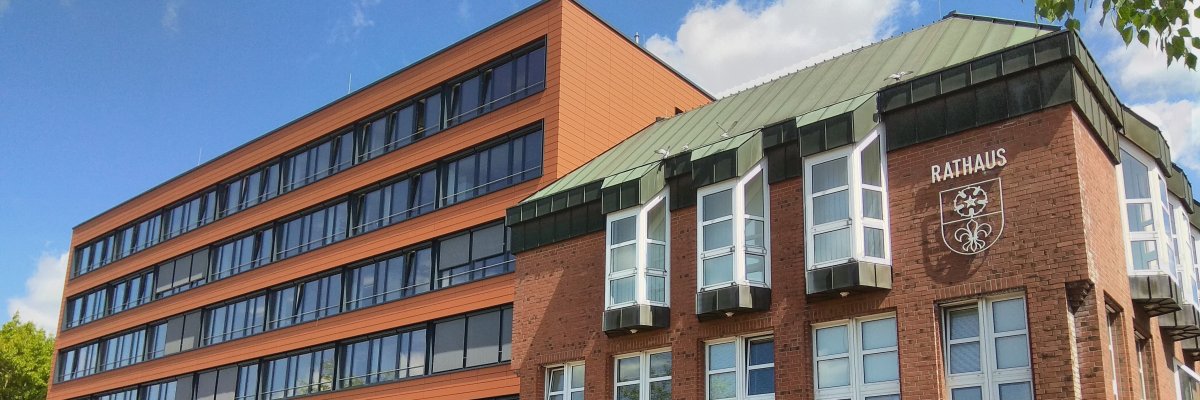

City administration building of the Stadtkevelaer

Kleve district

District-wide youth survey: 9,500 young people took part

The youth welfare offices of the towns of Emmerich am Rhein, Geldern, Goch, Kleve, the pilgrimage town of Kevelaer and the youth and family department of the district of Kleve have completed the district-wide youth survey. From January 27 to March 16, 2025, all young people between the ages of 6 and 27 in the district of Kleve had the opportunity to share their opinions on various topics. This initiative aims to gain a better understanding of the realities and needs of young people in the region. There were around 9,500 responses, which corresponds to a response rate of 13.5 percent. The responses were distributed across the four different questionnaires as follows:

  • School grade 1-4 (3,378),
  • School grade 5-10 (4,208),
  • Teenagers & young adults (1,522) and
  • young people at special schools or with disabilities (384).

The responses will be evaluated in the coming weeks. The findings will be incorporated into the updating of the respective municipal child and youth promotion plans in order to adapt the objectives of youth promotion and corresponding services. The most important results will be published in the relevant youth welfare committees of the towns and the district of Kleve in order to decide on the next steps. The organizers would like to thank all participants and the schools involved.

Source: District of Kleve

Help with accessibility

  • General

    We endeavor to make our websites accessible. You can find details on this in our accessibility statement. You can send us suggestions for improvement via our feedback form Report accessibility.

  • Font size

    To adjust the font size, please use the following key combinations:

    Larger

    ⌘command
    +

    Smaller

    ⌘command

    Larger

    Ctrl
    +

    Smaller

    Ctrl
  • Keyboard navigation

    Use TAB and SHIFT + TAB to navigate through next/previous links, form elements and buttons.

    Use ENTER to open links and interact with elements.

  • Contrast mode

    Press the following key combination to reduce or increase the contrast:

    Enlarge

    ⌃control
    ⌥option
    ⌘command
    .

    Decrease

    ⌃control
    ⌥option
    ⌘command
    ,
    Note: The shortcuts must be activated in the system settings of the operating system.

    Press the left ALT key + left SHIFT key + PRINT to quickly switch the high contrast mode on or off.

  • Invert colors

    Press the following key combination to switch the color inversion on and off:

    ⌃control
    ⌥option
    ⌘command
    8
    Note: The shortcuts must be activated in the system settings of the operating system.

    First activate the screen magnifier and then switch the color inversion on and off with the following key combinations:

    1. screen magnifier

    +

    2. invert colors

    Ctrl
    Old
    I
  • Screen magnifier

    Press the following key combinations to use the screen magnifier:

    Switch on/off

    ⌥option
    ⌘command
    8

    Enlarge view

    ⌥option
    ⌘command
    =

    Reduce view

    ⌥option
    ⌘command
    Note: The shortcuts must be activated in the system settings of the operating system.

    Switch on / Enlarge view

    +

    Reduce view