

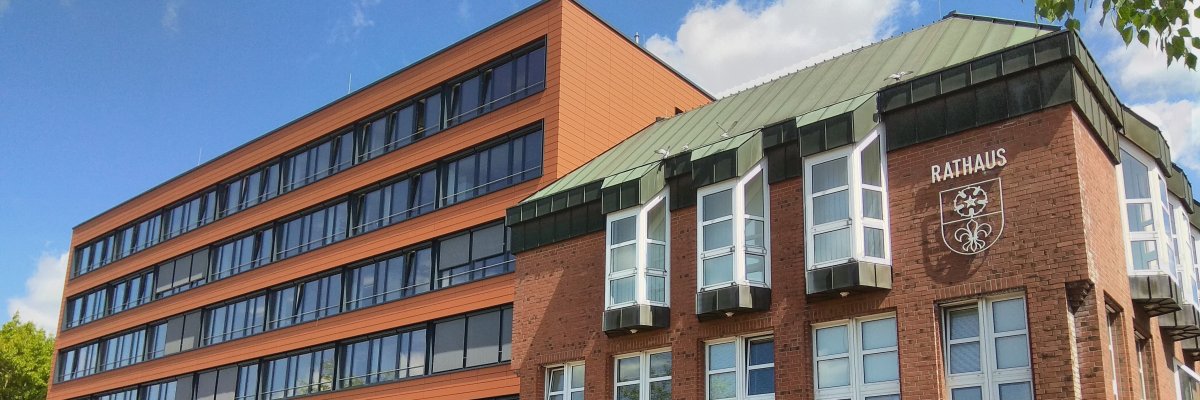
City administration building of the Stadtkevelaer

School Complex

The Fresh Food Kitchen at the School Complex Is to Be Preserved

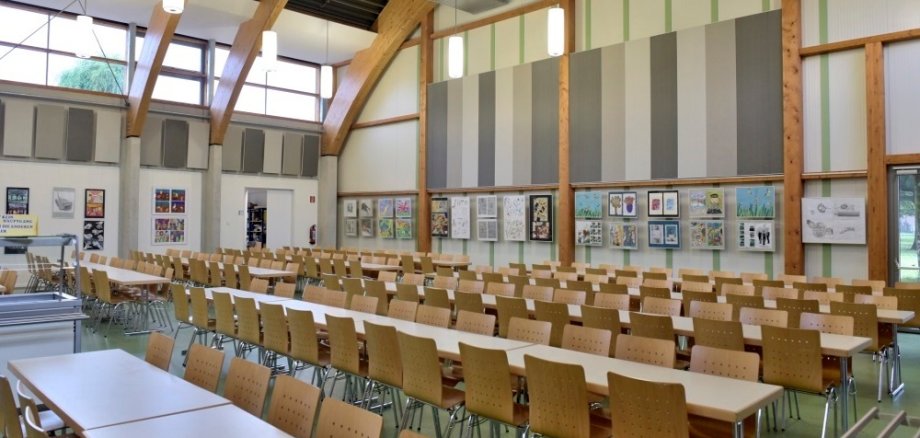
The fresh food kitchen at the Kevelaer School Center is set to remain in operation beyond the 2026–2027 school year.

At its meeting on July 16, 2026, the Kevelaer City Council decided to once again put the operation of the cafeteria out to bid as a fresh-food kitchen starting with the 2027–2028 school year.

The reason for this decision is that SOS Children’s Villages Lower Rhine will cease operations of the cafeteria as of July 31, 2027, since the Federal Employment Agency will no longer continue funding the inclusive apprenticeship positions. At the end of July 2027, the young people in the final training cohort will complete their training at the cafeteria. After that, SOS Children’s Villages’ role as the cafeteria operator will come to an end, and with it, the long-standing, successful, and reliable partnership with the pilgrimage town of Kevelaer.

With this council resolution, the pilgrimage town of Kevelaer is laying the groundwork early on to continue operating as a fresh-food kitchen. The operation of the cafeteria will be put out to bid in a Europe-wide procurement process after the summer break.

“Our goal is clear: Students should continue to receive freshly prepared meals every day right at the school complex,” emphasizes Mayor Dr. Dominik Pichler. “By issuing the request for proposals early, we are laying the groundwork for a seamless transition following SOS Children’s Villages’ departure.”

For the students and their families, the City Council’s decision means one thing above all else: The city is doing everything it can to maintain the school center’s tried-and-true fresh-cooked meals and to ensure that the cafeteria continues to operate reliably beyond the summer of 2027.

No employees found.

Help with accessibility

  • General

    We endeavor to make our websites accessible. You can find details on this in our accessibility statement. You can send us suggestions for improvement via our feedback form Report accessibility.

  • Font size

    To adjust the font size, please use the following key combinations:

    Larger

    ⌘command
    +

    Smaller

    ⌘command

    Larger

    Ctrl
    +

    Smaller

    Ctrl
  • Keyboard navigation

    Use TAB and SHIFT + TAB to navigate through next/previous links, form elements and buttons.

    Use ENTER to open links and interact with elements.

  • Contrast mode

    Press the following key combination to reduce or increase the contrast:

    Enlarge

    ⌃control
    ⌥option
    ⌘command
    .

    Decrease

    ⌃control
    ⌥option
    ⌘command
    ,
    Note: The shortcuts must be activated in the system settings of the operating system.

    Press the left ALT key + left SHIFT key + PRINT to quickly switch the high contrast mode on or off.

  • Invert colors

    Press the following key combination to switch the color inversion on and off:

    ⌃control
    ⌥option
    ⌘command
    8
    Note: The shortcuts must be activated in the system settings of the operating system.

    First activate the screen magnifier and then switch the color inversion on and off with the following key combinations:

    1. screen magnifier

    +

    2. invert colors

    Ctrl
    Old
    I
  • Screen magnifier

    Press the following key combinations to use the screen magnifier:

    Switch on/off

    ⌥option
    ⌘command
    8

    Enlarge view

    ⌥option
    ⌘command
    =

    Reduce view

    ⌥option
    ⌘command
    Note: The shortcuts must be activated in the system settings of the operating system.

    Switch on / Enlarge view

    +

    Reduce view