


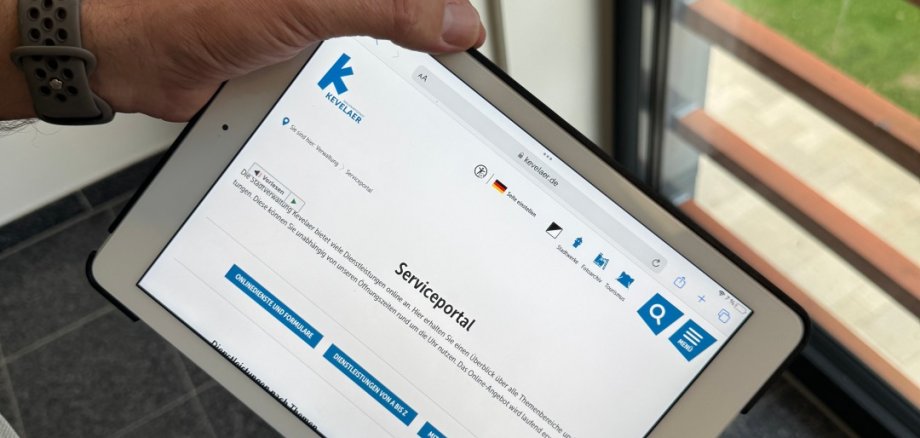
Since July 16, 2026, the pilgrimage town of Kevelaer has been offering its residents a new digital service: With the electronic residence registration system, residents can conveniently register or change their address online from anywhere. The fully digitized process simplifies the management of address information—from changes to the resident registry to updating address information on identification documents.
The electronic residence registration is an EfA online service (“One for All”) and part of a cross-state digitization project led by the Hamburg Senate Chancellery. The service is free of charge and offers a secure and convenient alternative to visiting government offices in person. It can be used both to register when moving to Kevelaer and to update your registration when moving within the city limits. Registrations for people moving from abroad cannot currently be processed via the online service.
Secure authentication and ease of use
Authentication is performed using the online ID function of the national ID card or eID card and meets the highest security standards. To use this service, you must have an activated online ID function on your ID card, the AusweisApp, and a BundID.
Those who use the online service save themselves a trip to the municipal office, and thus time and effort. After digital authentication, personal data can be retrieved from and updated in the registration records. Tenants can also upload their landlord’s confirmation and submit the application electronically. Once the registration authority has successfully reviewed the application, a digital registration confirmation will be available for download.
Automated updating of ID information
Updating the address information on identification documents is also automated: Using the AusweisApp, the new data is stored directly on the ID card’s chip. The Federal Printing Office then sends an address sticker for the ID card and, if necessary, a place of residence sticker for the passport, which can be applied by the holder following the instructions.
A Step Toward Digital Government
With the introduction of electronic residence registration, the pilgrimage town of Kevelaer is taking another step toward digital administration. The new online service makes it easier for residents to handle their registration matters and is available 24/7, regardless of location.
The existing option to register or change one’s registration in person at the Citizens’ Office in the pilgrimage town of Kevelaer will, of course, remain available.
The online service is available on the website of the pilgrimage town of Kevelaer at: