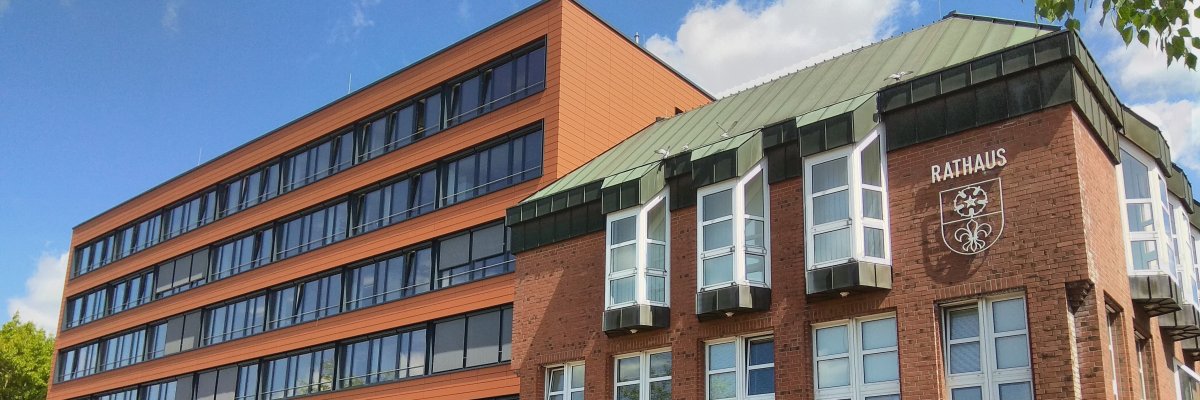

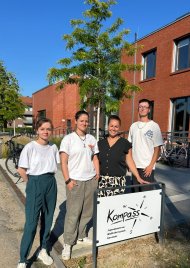
After the first twelve months in the new premises of the Youth and Administrative Center (JVZ), the “Kompass” team has given an all-around positive assessment: The move has proven to be a complete success. This is clearly evident in the increase in visitors and their great enthusiasm.
A Modern Home for Two Age Groups
“The new facilities provide an ideal environment for the children and teens, and our Kompass team now has many more opportunities to organize various activities,” says Mayor Dr. Dominik Pichler, summing up the situation positively.
The weekly schedule is clearly divided: On the three days it is open—Tuesdays, Wednesdays, and Thursdays—the facility first opens its doors from 3:30 p.m. to 6:00 p.m. for the children’s area (ages 8 to 13), and from 6:00 p.m. to 8:45 p.m., the youth area is open to everyone ages 14 and older.
Kids and teens love what the Kevelaer Youth Center has to offer: They enjoy spending a lot of time at “Kompass,” which has quickly become a central part of daily life for local youth.
A diverse program of recreational and creative activities
The activities at Kompass combine playful action with creative and hands-on learning. For leisure activities, visitors can enjoy classics such as billiards, foosball, darts, table tennis, and a wide variety of board games. A basketball machine offers some athletic variety, and those who’d rather “game” can play on a PlayStation 5. Music isn’t left out either: visitors are free to make music on-site using various instruments.
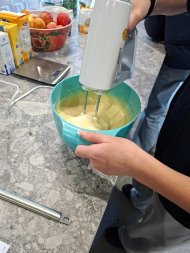
There is a special focus on regular cooking and baking activities, as well as various creative projects. In a well-equipped arts-and-crafts corner and their own workshop, the children and teens have the opportunity to explore their creativity through crafts and art.
Tried-and-True Highlights and Vacation Specials

Throughout the year, special events provide additional highlights. Last year, for example, there were parties for Carnival and Halloween, among other things. The “Kompass” really ramps up its program during school breaks: During the Easter and fall breaks, the doors are open four to five days a week—one week exclusively for children and one just for teens.
During the first two weeks of summer vacation, the “Kompass Team” at Kompass, together with colleagues from the “Mittagstreff” and the school social work program, organizes the popular “Ferienspaß” program in the cafeteria—a reliable childcare program designed specifically for elementary school children.
Low-Threshold Services
A visit to “Kompass” and all of its regular programs are completely free of charge. Only for vacation activities or occasional field trips may a small fee apply. In addition, the “open door” policy applies: Children and teens do not need to register in advance but can visit the facility on the spur of the moment.
A New Logo with a Personal Story
To mark the successful relaunch at the JVZ, “Kompass” recently got a new look in the form of a logo. And there’s a special story behind it: It was drawn by Robin, a longtime visitor to the facility. Robin is passionate about drawing in his free time. “One day, we found a sheet of paper with lots of little sketches by Robin—including a draft of a ‘Kompass’ logo.” “We were immediately thrilled,” recalls staff member Ina Ambrogi. After consulting with Robin, it was decided to adopt his design as the new, official logo for the “Kompass.” It’s a beautiful symbol of genuine togetherness and the creative involvement of the young people at the Kevelaer Youth Center.