


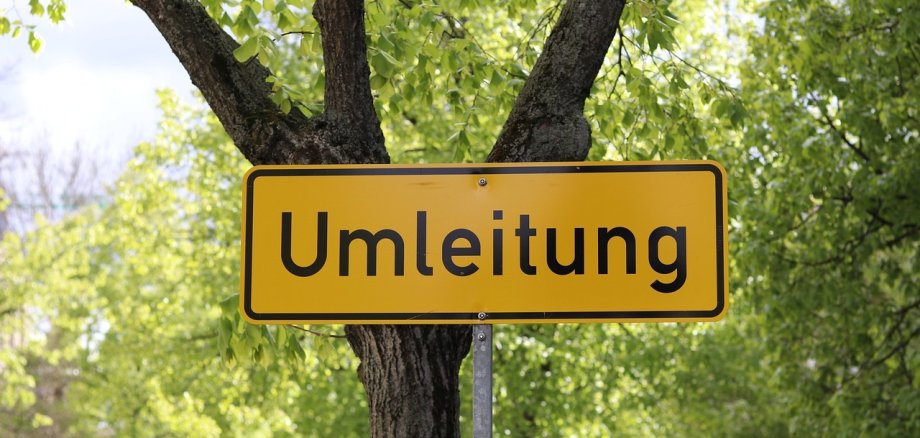
New replacement stops for citizen buses from April 14

Due to the extensive roadworks in Kevelaer city center, the public buses will have to take alternative routes until October. To ensure that the city center is still as accessible as possible, additional replacement stops will be set up from Monday, April 14.

The replacement stops are at the following locations:

  • Römerstraße (in both directions): Near St.-Klara-Platz
  • Gelderner Straße:
    • out of town: level with the former post office
    • towards the city center: level with the Allianz insurance company

The community bus associations adjust their timetables accordingly:

  • Bürgerbus Winnekendonk and Bürgerbus Twisteden serve all four replacement stops.
  • Bürgerbus Kervenheim stops at Gelderner Straße (Allianz) and Römerstraße in the direction of Venloer Straße.
  • Bürgerbus Wetten serves Römerstraße in the direction of Venloer Straße and Gelderner Straße out of town (former post office).

Stadtwerke Kevelaer and the citizens' bus associations would like to thank all passengers for their understanding and patience during the construction phase.

Help with accessibility

  • General

    We endeavor to make our websites accessible. You can find details on this in our accessibility statement. You can send us suggestions for improvement via our feedback form Report accessibility.

  • Font size

    To adjust the font size, please use the following key combinations:

    Larger

    ⌘command
    +

    Smaller

    ⌘command

    Larger

    Ctrl
    +

    Smaller

    Ctrl
  • Keyboard navigation

    Use TAB and SHIFT + TAB to navigate through next/previous links, form elements and buttons.

    Use ENTER to open links and interact with elements.

  • Contrast mode

    Press the following key combination to reduce or increase the contrast:

    Enlarge

    ⌃control
    ⌥option
    ⌘command
    .

    Decrease

    ⌃control
    ⌥option
    ⌘command
    ,
    Note: The shortcuts must be activated in the system settings of the operating system.

    Press the left ALT key + left SHIFT key + PRINT to quickly switch the high contrast mode on or off.

  • Invert colors

    Press the following key combination to switch the color inversion on and off:

    ⌃control
    ⌥option
    ⌘command
    8
    Note: The shortcuts must be activated in the system settings of the operating system.

    First activate the screen magnifier and then switch the color inversion on and off with the following key combinations:

    1. screen magnifier

    +

    2. invert colors

    Ctrl
    Old
    I
  • Screen magnifier

    Press the following key combinations to use the screen magnifier:

    Switch on/off

    ⌥option
    ⌘command
    8

    Enlarge view

    ⌥option
    ⌘command
    =

    Reduce view

    ⌥option
    ⌘command
    Note: The shortcuts must be activated in the system settings of the operating system.

    Switch on / Enlarge view

    +

    Reduce view