

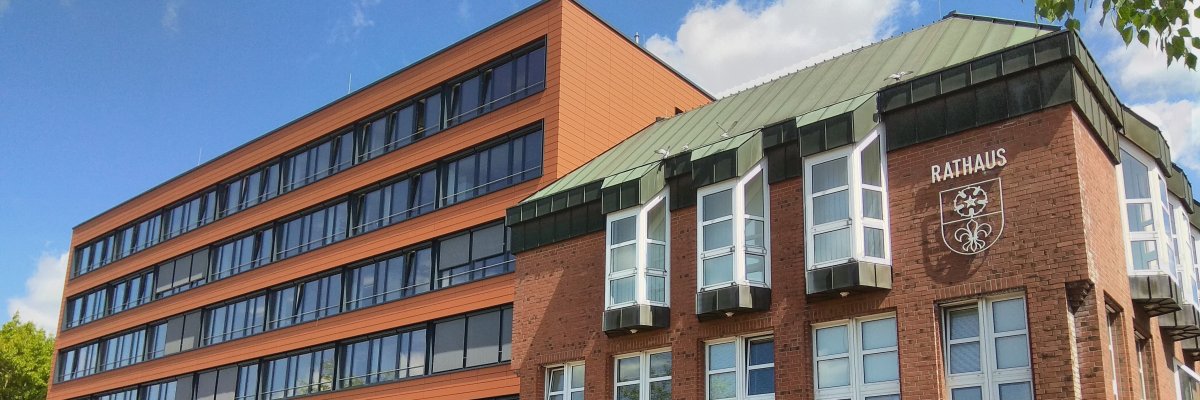
City administration building of the Stadtkevelaer

Youth Center

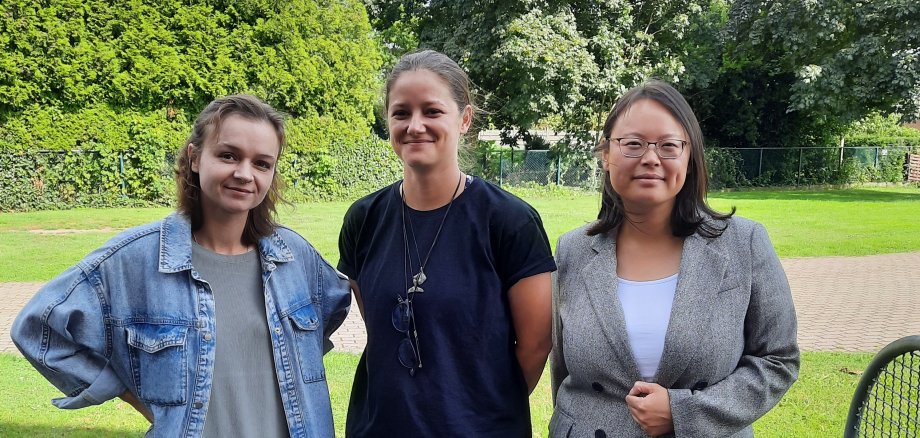
Growth in the Kompass team

Ina Ambrogi has just completed her training as an educator with a grade of 1.0. She has been working as a volunteer at the "Wellenbrecher" youth center in Weetz since 2019 and also completed her year of recognition there.

Ina Ambrogi has already gained a lot of experience in open youth welfare and is looking forward to getting to know the children and young people at Kompass. She lives in Kevelaer herself and therefore knows the town well. She is a big chess fan, enjoys playing billiards and would soon like to offer a basketball workshop for the kids and young people at Kompass.

The Kevelaer Youth Center is aimed at 10 to 27-year-olds. The young team is always happy to welcome new faces. Children, teenagers and young adults are welcome to drop by during opening hours and get to know the team and Kompass.

These are the new opening hours of the Compass:

Monday - Friday: 16:00 to 21:00

Children aged 8 and over can stay at Kompass until 6.30 pm. Teenagers aged 14 and over can stay until 9.00 pm.

No employees found.

Help with accessibility

  • General

    We endeavor to make our websites accessible. You can find details on this in our accessibility statement. You can send us suggestions for improvement via our feedback form Report accessibility.

  • Font size

    To adjust the font size, please use the following key combinations:

    Larger

    ⌘command
    +

    Smaller

    ⌘command

    Larger

    Ctrl
    +

    Smaller

    Ctrl
  • Keyboard navigation

    Use TAB and SHIFT + TAB to navigate through next/previous links, form elements and buttons.

    Use ENTER to open links and interact with elements.

  • Contrast mode

    Press the following key combination to reduce or increase the contrast:

    Enlarge

    ⌃control
    ⌥option
    ⌘command
    .

    Decrease

    ⌃control
    ⌥option
    ⌘command
    ,
    Note: The shortcuts must be activated in the system settings of the operating system.

    Press the left ALT key + left SHIFT key + PRINT to quickly switch the high contrast mode on or off.

  • Invert colors

    Press the following key combination to switch the color inversion on and off:

    ⌃control
    ⌥option
    ⌘command
    8
    Note: The shortcuts must be activated in the system settings of the operating system.

    First activate the screen magnifier and then switch the color inversion on and off with the following key combinations:

    1. screen magnifier

    +

    2. invert colors

    Ctrl
    Old
    I
  • Screen magnifier

    Press the following key combinations to use the screen magnifier:

    Switch on/off

    ⌥option
    ⌘command
    8

    Enlarge view

    ⌥option
    ⌘command
    =

    Reduce view

    ⌥option
    ⌘command
    Note: The shortcuts must be activated in the system settings of the operating system.

    Switch on / Enlarge view

    +

    Reduce view