

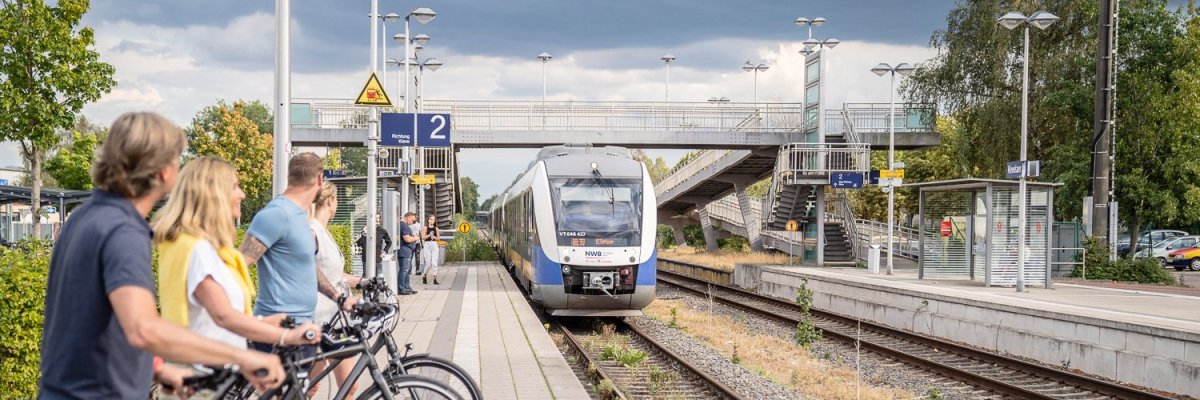
Traffic study 2019 - 2024

Traffic study 2019-2024

In 2019, the Hilden-based büro stadtVerkehr was commissioned to investigate and redesign traffic in the town center of Kevelaer. Since then, the existing traffic situation in particular has been recorded. To this end, citizens have been interviewed by means of a household survey, traffic counts have been carried out and the utilization of municipal parking spaces has been recorded. In addition, citizens have had the opportunity to outline areas where action is needed online. All of these results have been incorporated into the interim report. The interim report contains all the results to date, broken down into the various transport sectors. These include environmental transport (walking and cycling, local publictransport) and motorized private transport (cars, motorcycles, etc.). A separate compilation of the results was made for the topic of parking.

The results of the traffic study have been summarized in action plans. In future, these will form the basis for concrete steps in the traffic development of the pilgrimage town of Kevelaer.

The results are presented in the videos depending on the topic. Under "More information" you will find the entire report, as well as the individual reports on the various survey methods (online survey, household survey, parking space survey, traffic counts).


Help with accessibility

  • General

    We endeavor to make our websites accessible. You can find details on this in our accessibility statement. You can send us suggestions for improvement via our feedback form Report accessibility.

  • Font size

    To adjust the font size, please use the following key combinations:

    Larger

    ⌘command
    +

    Smaller

    ⌘command

    Larger

    Ctrl
    +

    Smaller

    Ctrl
  • Keyboard navigation

    Use TAB and SHIFT + TAB to navigate through next/previous links, form elements and buttons.

    Use ENTER to open links and interact with elements.

  • Contrast mode

    Press the following key combination to reduce or increase the contrast:

    Enlarge

    ⌃control
    ⌥option
    ⌘command
    .

    Decrease

    ⌃control
    ⌥option
    ⌘command
    ,
    Note: The shortcuts must be activated in the system settings of the operating system.

    Press the left ALT key + left SHIFT key + PRINT to quickly switch the high contrast mode on or off.

  • Invert colors

    Press the following key combination to switch the color inversion on and off:

    ⌃control
    ⌥option
    ⌘command
    8
    Note: The shortcuts must be activated in the system settings of the operating system.

    First activate the screen magnifier and then switch the color inversion on and off with the following key combinations:

    1. screen magnifier

    +

    2. invert colors

    Ctrl
    Old
    I
  • Screen magnifier

    Press the following key combinations to use the screen magnifier:

    Switch on/off

    ⌥option
    ⌘command
    8

    Enlarge view

    ⌥option
    ⌘command
    =

    Reduce view

    ⌥option
    ⌘command
    Note: The shortcuts must be activated in the system settings of the operating system.

    Switch on / Enlarge view

    +

    Reduce view