

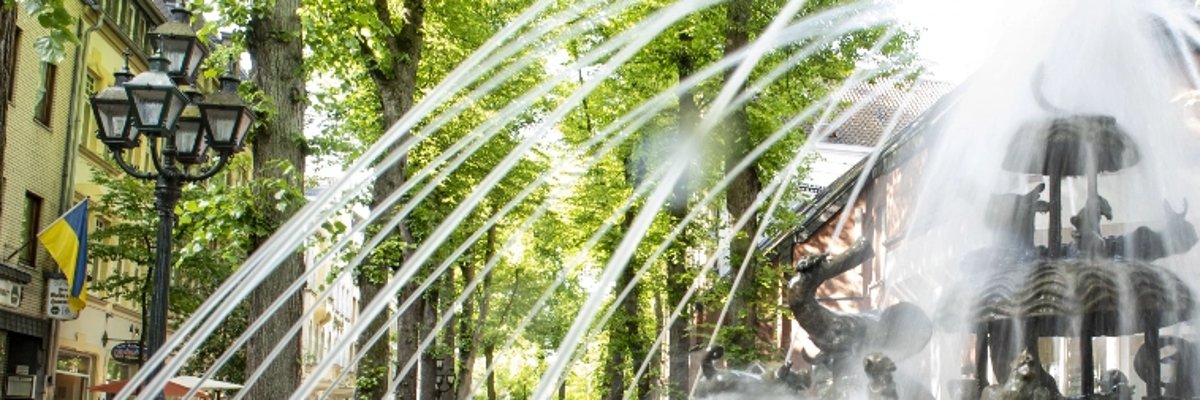
Noah's Ark fountain in action

Flower strips and flowering meadows


The creation of flower strips not only enhances the appearance of areas, but also serves to improve the ecological value of urban spaces. Flower strips provide an additional food supply for many different small animals, spider species and insects and therefore make a significant contribution to increasing biodiversity.

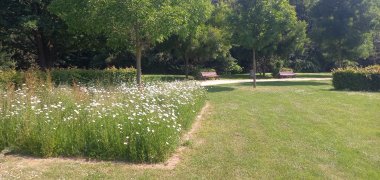
This is done, for example, on our flower strips at Ploodyck, along Europaplatz or at the playground at Bischof-van-Aaken. Native flowering plants, grasses and herbs have been sown on the flower strips. These include, for example, corn poppies, cornflowers, daisies, buckbeard, marigold, yarrow, golden varnish, widow and knapweed. These areas are only mowed a maximum of twice a year with adapted mowing equipment in order to allow plants to grow to seed maturity, protect insects and small animals and provide a refuge. These design examples are also intended to sensitize stakeholders in Kevelaer to the promotion of biodiversity and to encourage them to implement similar measures.
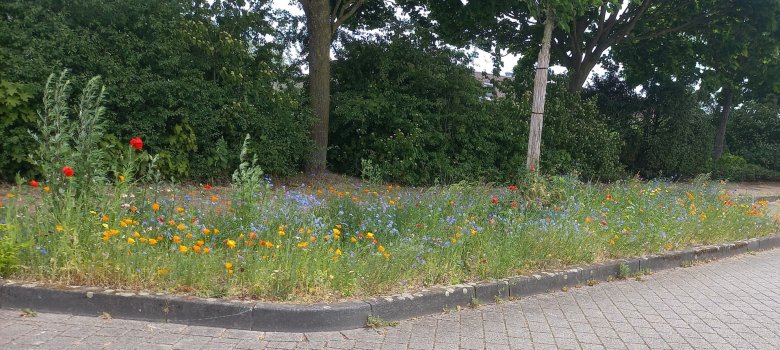
Europaplatz
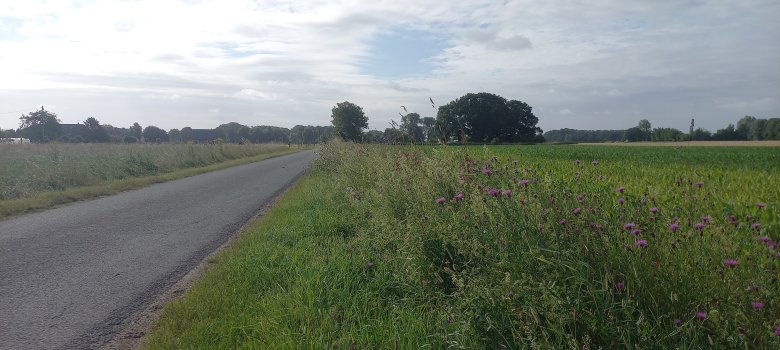
At the Ploodyck
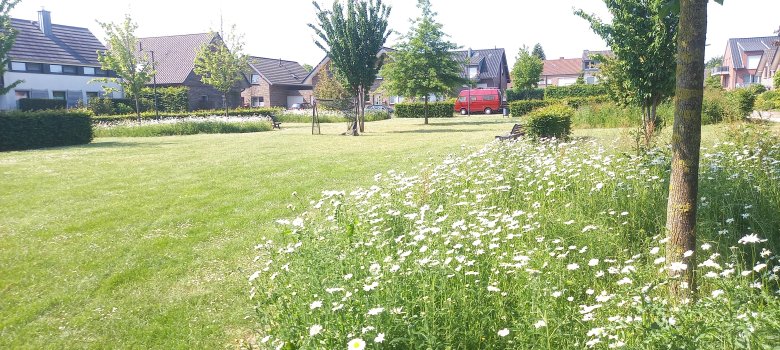
Playground Bischof-van-Aaken Straße
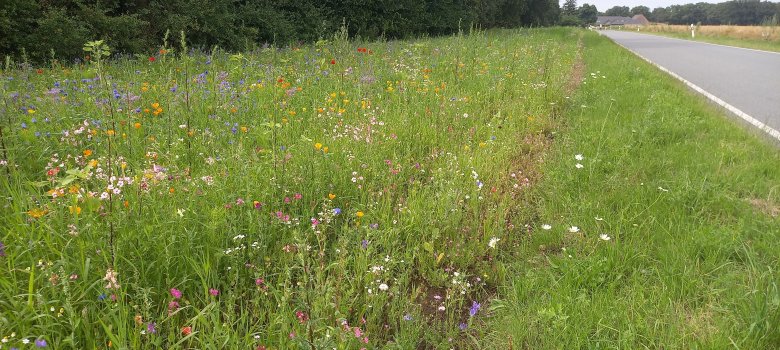
Maasweg (Twisteden)
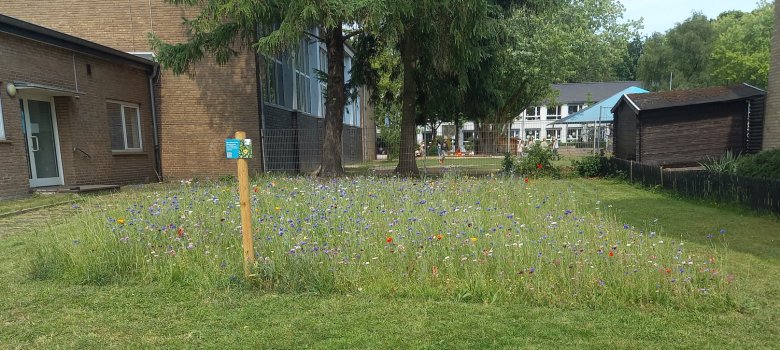

Bending road

Help with accessibility

  • General

    We endeavor to make our websites accessible. You can find details on this in our accessibility statement. You can send us suggestions for improvement via our feedback form Report accessibility.

  • Font size

    To adjust the font size, please use the following key combinations:

    Larger

    ⌘command
    +

    Smaller

    ⌘command

    Larger

    Ctrl
    +

    Smaller

    Ctrl
  • Keyboard navigation

    Use TAB and SHIFT + TAB to navigate through next/previous links, form elements and buttons.

    Use ENTER to open links and interact with elements.

  • Contrast mode

    Press the following key combination to reduce or increase the contrast:

    Enlarge

    ⌃control
    ⌥option
    ⌘command
    .

    Decrease

    ⌃control
    ⌥option
    ⌘command
    ,
    Note: The shortcuts must be activated in the system settings of the operating system.

    Press the left ALT key + left SHIFT key + PRINT to quickly switch the high contrast mode on or off.

  • Invert colors

    Press the following key combination to switch the color inversion on and off:

    ⌃control
    ⌥option
    ⌘command
    8
    Note: The shortcuts must be activated in the system settings of the operating system.

    First activate the screen magnifier and then switch the color inversion on and off with the following key combinations:

    1. screen magnifier

    +

    2. invert colors

    Ctrl
    Old
    I
  • Screen magnifier

    Press the following key combinations to use the screen magnifier:

    Switch on/off

    ⌥option
    ⌘command
    8

    Enlarge view

    ⌥option
    ⌘command
    =

    Reduce view

    ⌥option
    ⌘command
    Note: The shortcuts must be activated in the system settings of the operating system.

    Switch on / Enlarge view

    +

    Reduce view