


A newspaper lying on its side

Save on sewer bills with a garden water meter

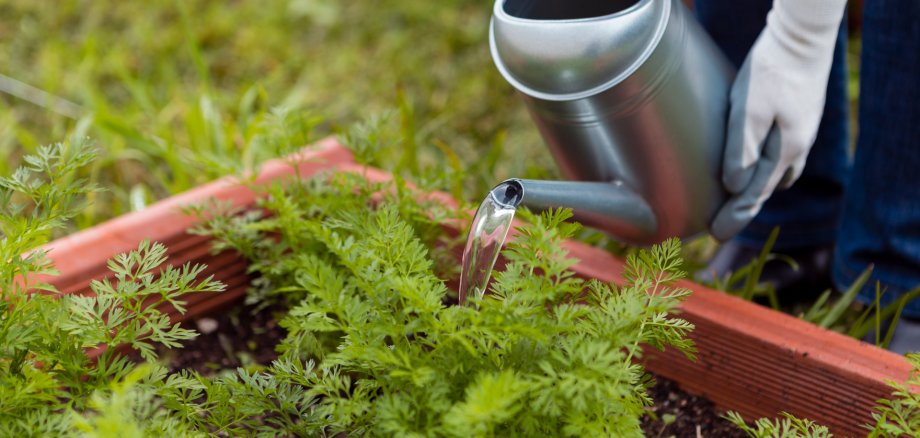
If you water your garden regularly, you can save on sewage costs by using a garden meter. The reason: The water does not enter the sewer system but seeps into the ground. The amount of water recorded by the garden meter is therefore included in your annual bill.

The current wastewater fee is 3.70 euros per cubic meter. These charges do not apply to water usage recorded by the garden meter.

Garden water meters are available at specialty stores or home improvement stores and can be installed by the homeowner. To ensure that water usage is included in the annual bill, the meter number must be reported to Stadtwerke Kevelaer.

Another important factor is the calibration period: garden meters must be replaced after six years. Since the meters are the property of the tenant or homeowner, the user is responsible for ensuring they are replaced on time.

For more information about garden meters, please visit the "Frequently Asked Questions" section and the "Sample Annual Report" section on our website


Help with accessibility

  • General

    We endeavor to make our websites accessible. You can find details on this in our accessibility statement. You can send us suggestions for improvement via our feedback form Report accessibility.

  • Font size

    To adjust the font size, please use the following key combinations:

    Larger

    ⌘command
    +

    Smaller

    ⌘command

    Larger

    Ctrl
    +

    Smaller

    Ctrl
  • Keyboard navigation

    Use TAB and SHIFT + TAB to navigate through next/previous links, form elements and buttons.

    Use ENTER to open links and interact with elements.

  • Contrast mode

    Press the following key combination to reduce or increase the contrast:

    Enlarge

    ⌃control
    ⌥option
    ⌘command
    .

    Decrease

    ⌃control
    ⌥option
    ⌘command
    ,
    Note: The shortcuts must be activated in the system settings of the operating system.

    Press the left ALT key + left SHIFT key + PRINT to quickly switch the high contrast mode on or off.

  • Invert colors

    Press the following key combination to switch the color inversion on and off:

    ⌃control
    ⌥option
    ⌘command
    8
    Note: The shortcuts must be activated in the system settings of the operating system.

    First activate the screen magnifier and then switch the color inversion on and off with the following key combinations:

    1. screen magnifier

    +

    2. invert colors

    Ctrl
    Old
    I
  • Screen magnifier

    Press the following key combinations to use the screen magnifier:

    Switch on/off

    ⌥option
    ⌘command
    8

    Enlarge view

    ⌥option
    ⌘command
    =

    Reduce view

    ⌥option
    ⌘command
    Note: The shortcuts must be activated in the system settings of the operating system.

    Switch on / Enlarge view

    +

    Reduce view