


A newspaper lying on its side

Route Change for the "
" Community Bus in Winnekendonk

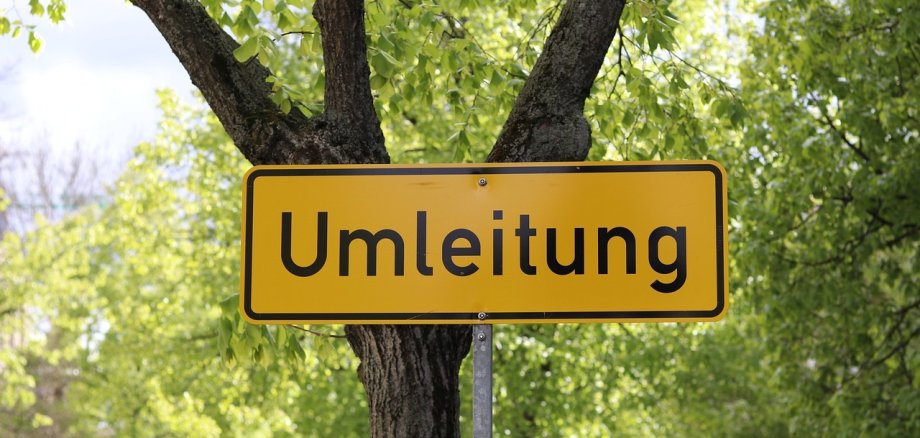
Due to road and bike path repairs, there will be a full closure in the Alter Steeg area of Winnekendonk-Achterhoek from Monday, July 6, through Sunday, July 26, 2026 (tentatively). This will also affect the Winnekendonk community bus.

The“Elders-Boll”stop will not be served during construction and will be omitted without a replacement.

The remaining stops in Achterhoek will continue to be served as usual on the route toward Sonsbeck. Passengers can therefore board and disembark there as usual.

However, on the return trip from Sonsbeck to Winnekendonk, the bus will not be able to stop at the stops in Achterhoek due to the full road closure. After the Plooheide stop, the community bus will therefore proceed directly to the Windmühle stop in Winnekendonk. The stops in between will be skipped in this direction.

Passengers who wish to travel from a stop in Achterhoek to Kevelaer can still ride the bus. They will first take the community bus to Sonsbeck and then continue on the regular route toward Kevelaer.

Help with accessibility

  • General

    We endeavor to make our websites accessible. You can find details on this in our accessibility statement. You can send us suggestions for improvement via our feedback form Report accessibility.

  • Font size

    To adjust the font size, please use the following key combinations:

    Larger

    ⌘command
    +

    Smaller

    ⌘command

    Larger

    Ctrl
    +

    Smaller

    Ctrl
  • Keyboard navigation

    Use TAB and SHIFT + TAB to navigate through next/previous links, form elements and buttons.

    Use ENTER to open links and interact with elements.

  • Contrast mode

    Press the following key combination to reduce or increase the contrast:

    Enlarge

    ⌃control
    ⌥option
    ⌘command
    .

    Decrease

    ⌃control
    ⌥option
    ⌘command
    ,
    Note: The shortcuts must be activated in the system settings of the operating system.

    Press the left ALT key + left SHIFT key + PRINT to quickly switch the high contrast mode on or off.

  • Invert colors

    Press the following key combination to switch the color inversion on and off:

    ⌃control
    ⌥option
    ⌘command
    8
    Note: The shortcuts must be activated in the system settings of the operating system.

    First activate the screen magnifier and then switch the color inversion on and off with the following key combinations:

    1. screen magnifier

    +

    2. invert colors

    Ctrl
    Old
    I
  • Screen magnifier

    Press the following key combinations to use the screen magnifier:

    Switch on/off

    ⌥option
    ⌘command
    8

    Enlarge view

    ⌥option
    ⌘command
    =

    Reduce view

    ⌥option
    ⌘command
    Note: The shortcuts must be activated in the system settings of the operating system.

    Switch on / Enlarge view

    +

    Reduce view