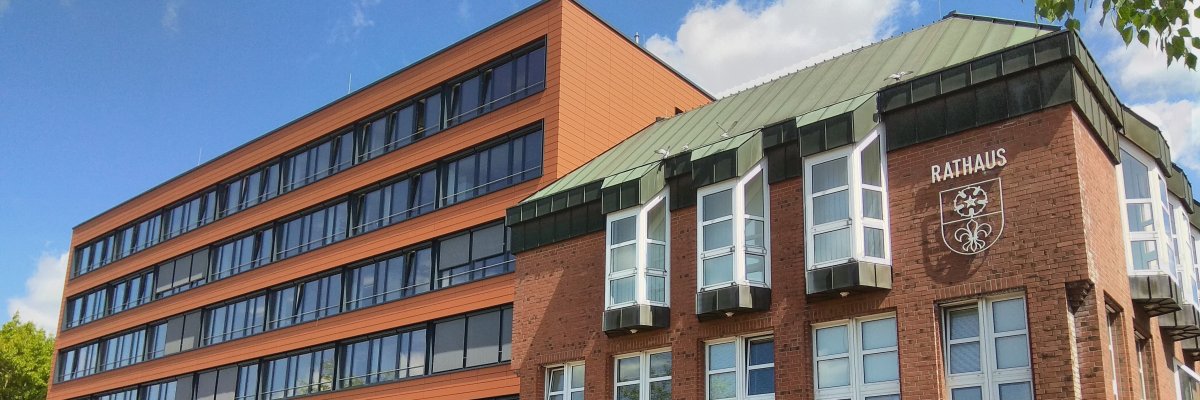
City administration building of the Stadtkevelaer
> Translation notice: This page has been automatically translated with the support of DeepL. Differences from the original German text may occur. Only the German version is legally binding.

Climate protection

A Successful Start: Schools in Kevelaer Kick Off the “NRW Plants” Campaign

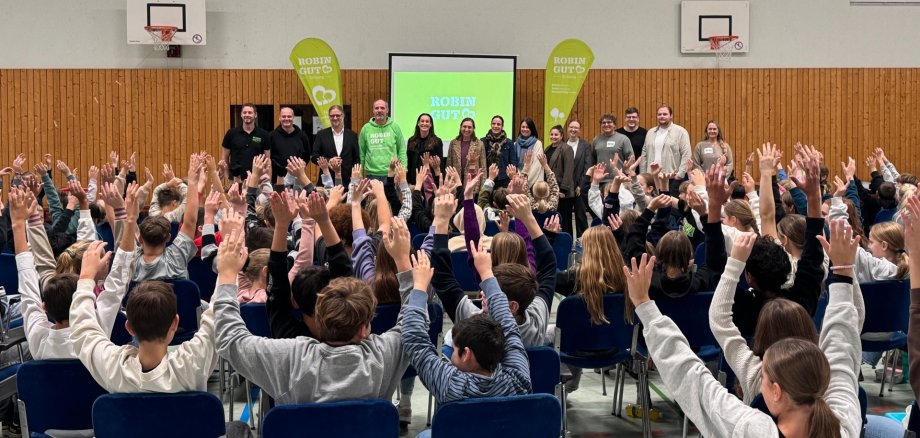
Our city is set to become greener and more climate-resilient—and our schools are actively pitching in: As part of the statewide initiative “NRW Plants—One Million Trees for North Rhine-Westphalia,” Kevelaer officially kicked off its tree-planting campaign on Tuesday.

About 150 students from the Kevelaer Comprehensive School, the Kardinal-von-Galen High School, and the St. Franziskus Elementary School in Twisteden gathered at the Kevelaer Double Gymnasium. The kickoff event was sponsored by the ROBIN GUT Foundation, and our mayor, Dr. Dominik Pichler, opened the event with a welcoming address.

What makes this initiative special is that the children take responsibility themselves and reach out to businesses in Kevelaer with personal letters to raise funds for new trees in the city.

“The fact that the students are taking the initiative here and want to get our companies on board to create more green spaces in the city is a powerful sign. It’s a great initiative that shows how much we can accomplish together,” says Dominik Pichler, expressing his enthusiasm for the project.

No employees found.

Help with accessibility

  • General

    We endeavor to make our websites accessible. You can find details on this in our accessibility statement. You can send us suggestions for improvement via our feedback form Report accessibility.

  • Font size

    To adjust the font size, please use the following key combinations:

    Larger

    ⌘command
    +

    Smaller

    ⌘command
    –

    Larger

    Ctrl
    +

    Smaller

    Ctrl
    –
  • Keyboard navigation

    Use TAB and SHIFT + TAB to navigate through next/previous links, form elements and buttons.

    Use ENTER to open links and interact with elements.

  • Contrast mode

    Press the following key combination to reduce or increase the contrast:

    Enlarge

    ⌃control
    ⌥option
    ⌘command
    .

    Decrease

    ⌃control
    ⌥option
    ⌘command
    ,
    Note: The shortcuts must be activated in the system settings of the operating system.

    Press the left ALT key + left SHIFT key + PRINT to quickly switch the high contrast mode on or off.

  • Invert colors

    Press the following key combination to switch the color inversion on and off:

    ⌃control
    ⌥option
    ⌘command
    8
    Note: The shortcuts must be activated in the system settings of the operating system.

    First activate the screen magnifier and then switch the color inversion on and off with the following key combinations:

    1. screen magnifier

    +

    2. invert colors

    Ctrl
    Old
    I
  • Screen magnifier

    Press the following key combinations to use the screen magnifier:

    Switch on/off

    ⌥option
    ⌘command
    8

    Enlarge view

    ⌥option
    ⌘command
    =

    Reduce view

    ⌥option
    ⌘command
    –
    Note: The shortcuts must be activated in the system settings of the operating system.

    Switch on / Enlarge view

    +

    Reduce view

    –