

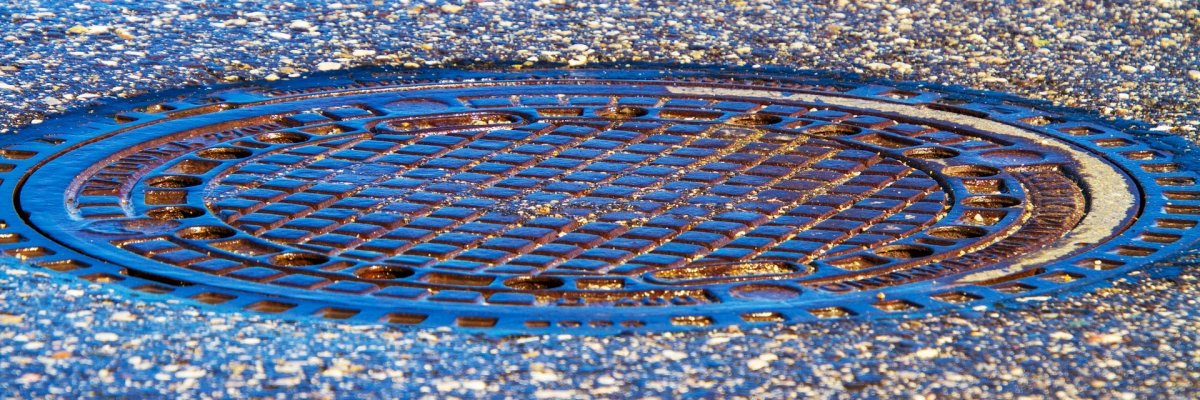
A manhole cover in the street

Waste water

House/property connection

All properties in the urban area have to be drained in one way or another. The normal case is a gravity sewer connection. Depending on whether it drains in a separate system or a combined system, the property receives a sewer connection for wastewater and rainwater or a single connection for combined wastewater (wastewater and rainwater together).

Sewage pressure pipes

There are other options for outdoor properties that cannot be connected to the normal sewer system. On the one hand, private sewage pumping stations can be installed. These collect the wastewater from the house and pump it via a pressure pipe to the nearest sewer.

Drainless pits / small sewage treatment plants

On the other hand, drainless pits or small sewage treatment plants can be installed. In the case of drainless pits, the wastewater is collected and transported to the sewage treatment plant by a company commissioned by Stadtwerke Kevelaer.

Agricultural use of domestic wastewater is not permitted!

In small wastewater treatment plants, the wastewater is collected and biologically treated on site. The treated wastewater is then drained away or discharged into a nearby body of water. The sewage sludge must be disposed of at regular intervals, at least every two years, by a company commissioned by Stadtwerke Kevelaer. The intervals between removal can be extended to up to five years if this is proven by a maintenance contract.

Help with accessibility

  • General

    We endeavor to make our websites accessible. You can find details on this in our accessibility statement. You can send us suggestions for improvement via our feedback form Report accessibility.

  • Font size

    To adjust the font size, please use the following key combinations:

    Larger

    ⌘command
    +

    Smaller

    ⌘command

    Larger

    Ctrl
    +

    Smaller

    Ctrl
  • Keyboard navigation

    Use TAB and SHIFT + TAB to navigate through next/previous links, form elements and buttons.

    Use ENTER to open links and interact with elements.

  • Contrast mode

    Press the following key combination to reduce or increase the contrast:

    Enlarge

    ⌃control
    ⌥option
    ⌘command
    .

    Decrease

    ⌃control
    ⌥option
    ⌘command
    ,
    Note: The shortcuts must be activated in the system settings of the operating system.

    Press the left ALT key + left SHIFT key + PRINT to quickly switch the high contrast mode on or off.

  • Invert colors

    Press the following key combination to switch the color inversion on and off:

    ⌃control
    ⌥option
    ⌘command
    8
    Note: The shortcuts must be activated in the system settings of the operating system.

    First activate the screen magnifier and then switch the color inversion on and off with the following key combinations:

    1. screen magnifier

    +

    2. invert colors

    Ctrl
    Old
    I
  • Screen magnifier

    Press the following key combinations to use the screen magnifier:

    Switch on/off

    ⌥option
    ⌘command
    8

    Enlarge view

    ⌥option
    ⌘command
    =

    Reduce view

    ⌥option
    ⌘command
    Note: The shortcuts must be activated in the system settings of the operating system.

    Switch on / Enlarge view

    +

    Reduce view