

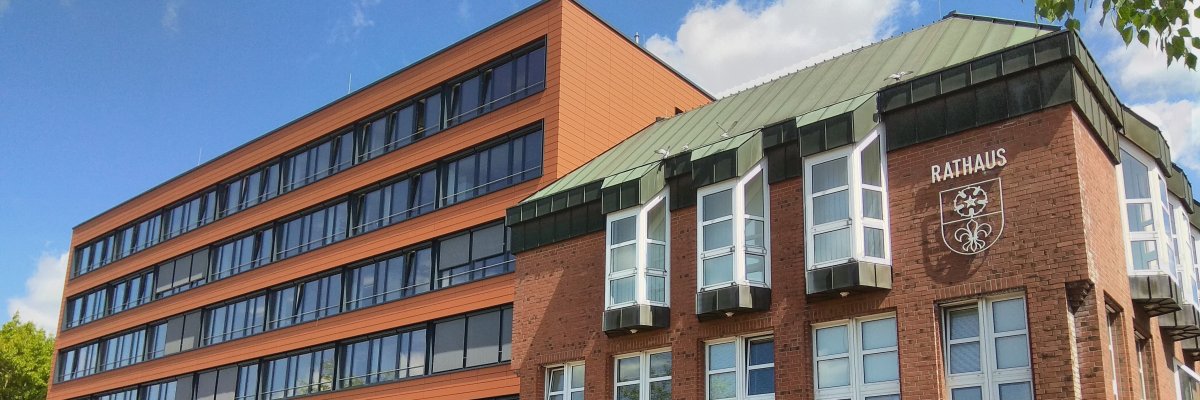

City administration building of the Stadtkevelaer

Personnel report

Farewells to well-deserved retirement


Martina de Witt-Laermann was an employee of the pilgrimage town of Kevelaer for 21 years and worked as a technical employee in the building regulations office. Thanks to her calm and reliable manner, Ms. de Witt-Laermann was very popular not only among her colleagues but also with the building authorities and architects.

Walter Speulmans can look back on 35 years of service to the pilgrimage town of Kevelaer. In 1990, Mr. Speulmans was hired as a gardener at the municipal depot. Thanks to his versatility and manual skills, he quickly became an indispensable colleague. Later, he also took care of road maintenance and signage as well as barrier measures and assisted with countless municipal removals.

Clemens van Husen also started as a gardener at the municipal depot in 1990. He put his heart and soul into caring for trees - and not just professionally. Plant protection was also very important to him. For a long time, Mr. van Husen looked after the animals in the living nativity scene at the Kevelaer nativity scene market. Thanks to his energetic and helpful nature, he has always been a valued member of the depot team.

Mayor Dr. Pichler, Head of Human Resources Werner Barz, Chairman of the Staff Council Stefan Reudenbach and the respective superiors of the departing employees took the opportunity to express their thanks and appreciation for their many years of service to the pilgrimage town of Kevelaer and to offer their good wishes for the new phase of their lives.

No employees found.

Help with accessibility

  • General

    We endeavor to make our websites accessible. You can find details on this in our accessibility statement. You can send us suggestions for improvement via our feedback form Report accessibility.

  • Font size

    To adjust the font size, please use the following key combinations:

    Larger

    ⌘command
    +

    Smaller

    ⌘command

    Larger

    Ctrl
    +

    Smaller

    Ctrl
  • Keyboard navigation

    Use TAB and SHIFT + TAB to navigate through next/previous links, form elements and buttons.

    Use ENTER to open links and interact with elements.

  • Contrast mode

    Press the following key combination to reduce or increase the contrast:

    Enlarge

    ⌃control
    ⌥option
    ⌘command
    .

    Decrease

    ⌃control
    ⌥option
    ⌘command
    ,
    Note: The shortcuts must be activated in the system settings of the operating system.

    Press the left ALT key + left SHIFT key + PRINT to quickly switch the high contrast mode on or off.

  • Invert colors

    Press the following key combination to switch the color inversion on and off:

    ⌃control
    ⌥option
    ⌘command
    8
    Note: The shortcuts must be activated in the system settings of the operating system.

    First activate the screen magnifier and then switch the color inversion on and off with the following key combinations:

    1. screen magnifier

    +

    2. invert colors

    Ctrl
    Old
    I
  • Screen magnifier

    Press the following key combinations to use the screen magnifier:

    Switch on/off

    ⌥option
    ⌘command
    8

    Enlarge view

    ⌥option
    ⌘command
    =

    Reduce view

    ⌥option
    ⌘command
    Note: The shortcuts must be activated in the system settings of the operating system.

    Switch on / Enlarge view

    +

    Reduce view