

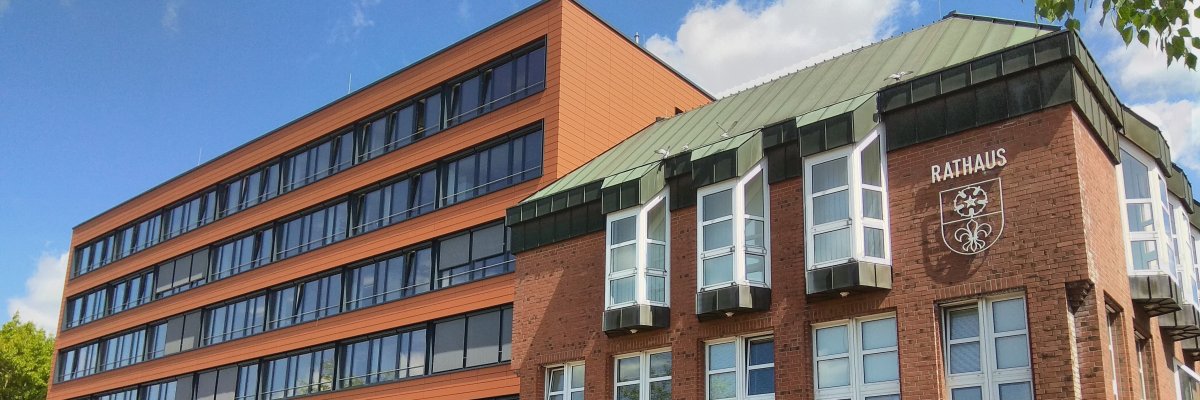
City administration building of the Stadtkevelaer

Town twinning

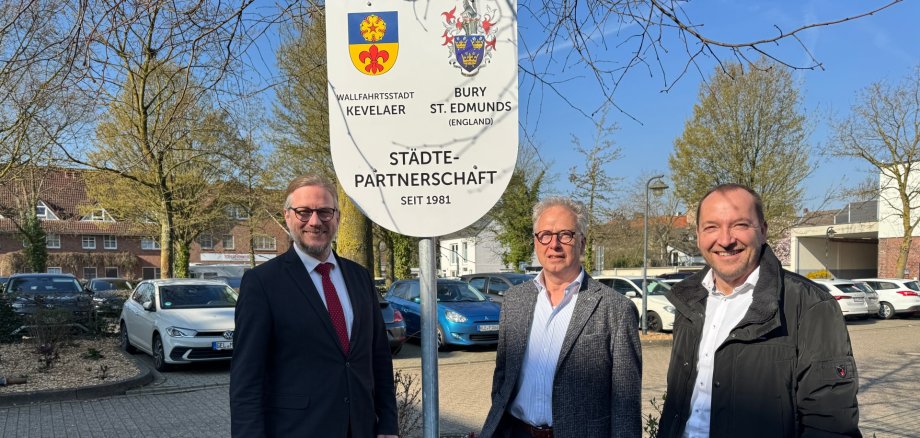
New signage to celebrate the town twinning

Some connections are not made on paper, but between people. This is also the case with the town twinning between our town and the town of Bury St. Edmunds in the English county of Suffolk, which celebrates its 45th anniversary on March 21. This special connection, which was officially sealed in 1981, has its roots in the early encounters that took place around the former Royal Air Force Base Laarbruch.

What began as initial contacts quickly developed into intensive discussions and friendships that continue to this day. This partnership is more than just a formal connection - it stands for the exchange of culture, friendship and shared values.

A visible sign of this can be seen at the entrances to Kevelaer: the partnership signs. These have been renewed in recent weeks to mark the 45th anniversary of the partnership. Mayor Dr. Dominik Pichler, Head of Department Werner Barz and the Chairman of the Kevelaer-Bury St. Edmunds Partnership Association, Bernd Pool, were also on site when the last sign was installed.

These small signs are often of great importance and make the big picture visible: a friendship that endures, because... "a friend in need is a friend indeed."

Here's to many more years of cooperation and friendly exchange!

No employees found.

Help with accessibility

  • General

    We endeavor to make our websites accessible. You can find details on this in our accessibility statement. You can send us suggestions for improvement via our feedback form Report accessibility.

  • Font size

    To adjust the font size, please use the following key combinations:

    Larger

    ⌘command
    +

    Smaller

    ⌘command

    Larger

    Ctrl
    +

    Smaller

    Ctrl
  • Keyboard navigation

    Use TAB and SHIFT + TAB to navigate through next/previous links, form elements and buttons.

    Use ENTER to open links and interact with elements.

  • Contrast mode

    Press the following key combination to reduce or increase the contrast:

    Enlarge

    ⌃control
    ⌥option
    ⌘command
    .

    Decrease

    ⌃control
    ⌥option
    ⌘command
    ,
    Note: The shortcuts must be activated in the system settings of the operating system.

    Press the left ALT key + left SHIFT key + PRINT to quickly switch the high contrast mode on or off.

  • Invert colors

    Press the following key combination to switch the color inversion on and off:

    ⌃control
    ⌥option
    ⌘command
    8
    Note: The shortcuts must be activated in the system settings of the operating system.

    First activate the screen magnifier and then switch the color inversion on and off with the following key combinations:

    1. screen magnifier

    +

    2. invert colors

    Ctrl
    Old
    I
  • Screen magnifier

    Press the following key combinations to use the screen magnifier:

    Switch on/off

    ⌥option
    ⌘command
    8

    Enlarge view

    ⌥option
    ⌘command
    =

    Reduce view

    ⌥option
    ⌘command
    Note: The shortcuts must be activated in the system settings of the operating system.

    Switch on / Enlarge view

    +

    Reduce view