

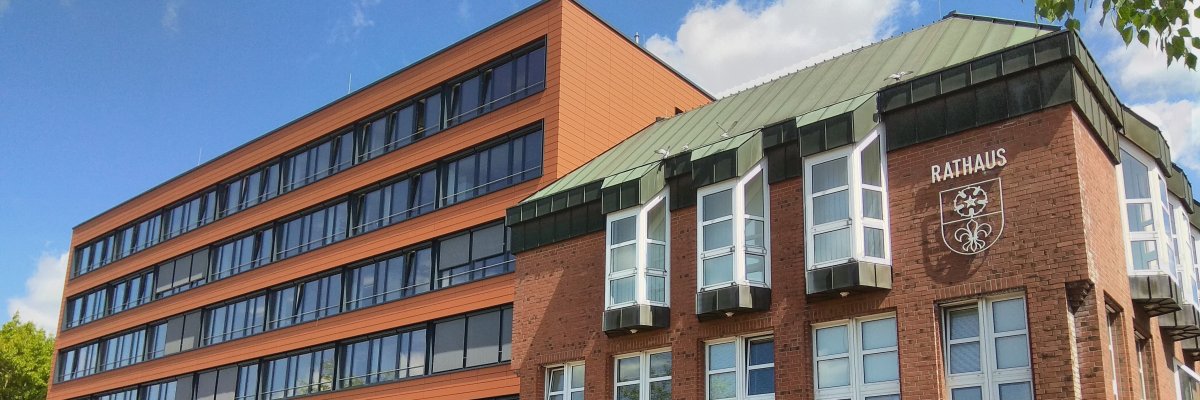
City administration building of the Stadtkevelaer

Equality

Take part in Girls' and Boys' Day
on April 23, 2026

Girls' Day and Boys' Day will take place again on Thursday, April 23, 2026. The aim of the campaign days is to question role stereotypes and broaden the view when choosing a career - with insights into professional worlds that many may not yet have had on their radar. "Many young people still make their career choices on a gender-specific basis, shaped by social role models. The action day offers the chance to question this and simply try out something new," emphasizes Mayor Dr. Dominik Pichler.

Our city council is taking part - there are still places available!

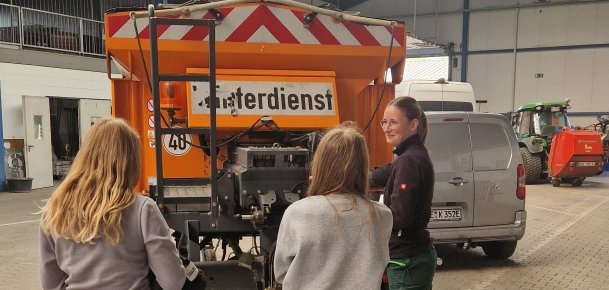
Our city administration is also taking part again this year and still has places available for pupils aged 14 and over: On Boys'Day, participants can get to know the administrative area at the Jobcenter as well as the work of nursery school teachers at the municipal daycare center Spatzennest. There are still two places available for Girls'Day at our depot: Professions represented here include landscape gardener and road maintenance worker. "Through direct contact with our employees and practical experience, the young people get a real insight into everyday working life at the city administration. This allows them to find out what really suits them - regardless of clichés and according to their own interests and strengths," says Equal Opportunities Officer Christiane Peulen.

Interested students can register via the radar at https://www.girls-day.de or https://www.boys-day.de/.

Young people who do not consider themselves to be boys or girls can of course also take part in the day of action and decide on an individual offer. Trans* young people are also very welcome to take part in Girls' and Boys' Day.

No employees found.

Help with accessibility

  • General

    We endeavor to make our websites accessible. You can find details on this in our accessibility statement. You can send us suggestions for improvement via our feedback form Report accessibility.

  • Font size

    To adjust the font size, please use the following key combinations:

    Larger

    ⌘command
    +

    Smaller

    ⌘command

    Larger

    Ctrl
    +

    Smaller

    Ctrl
  • Keyboard navigation

    Use TAB and SHIFT + TAB to navigate through next/previous links, form elements and buttons.

    Use ENTER to open links and interact with elements.

  • Contrast mode

    Press the following key combination to reduce or increase the contrast:

    Enlarge

    ⌃control
    ⌥option
    ⌘command
    .

    Decrease

    ⌃control
    ⌥option
    ⌘command
    ,
    Note: The shortcuts must be activated in the system settings of the operating system.

    Press the left ALT key + left SHIFT key + PRINT to quickly switch the high contrast mode on or off.

  • Invert colors

    Press the following key combination to switch the color inversion on and off:

    ⌃control
    ⌥option
    ⌘command
    8
    Note: The shortcuts must be activated in the system settings of the operating system.

    First activate the screen magnifier and then switch the color inversion on and off with the following key combinations:

    1. screen magnifier

    +

    2. invert colors

    Ctrl
    Old
    I
  • Screen magnifier

    Press the following key combinations to use the screen magnifier:

    Switch on/off

    ⌥option
    ⌘command
    8

    Enlarge view

    ⌥option
    ⌘command
    =

    Reduce view

    ⌥option
    ⌘command
    Note: The shortcuts must be activated in the system settings of the operating system.

    Switch on / Enlarge view

    +

    Reduce view