

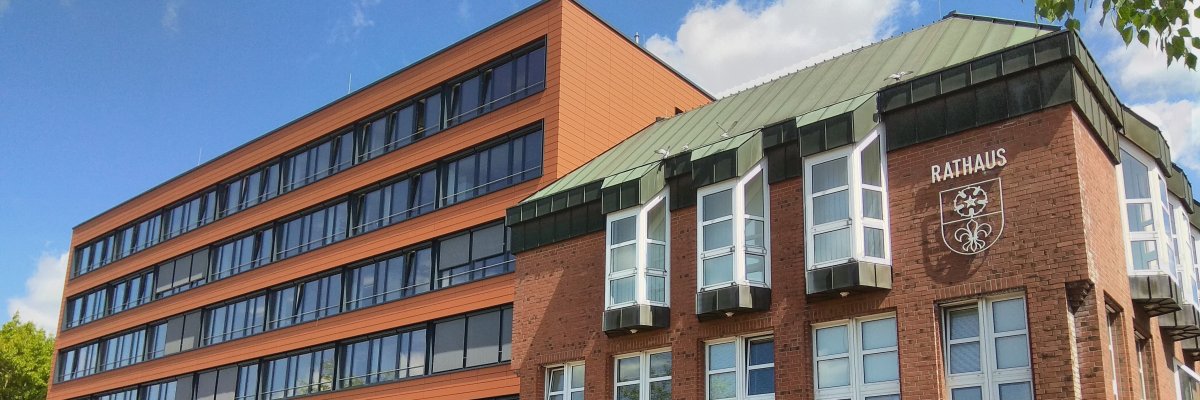
City administration building of the Stadtkevelaer

Schools & Sports

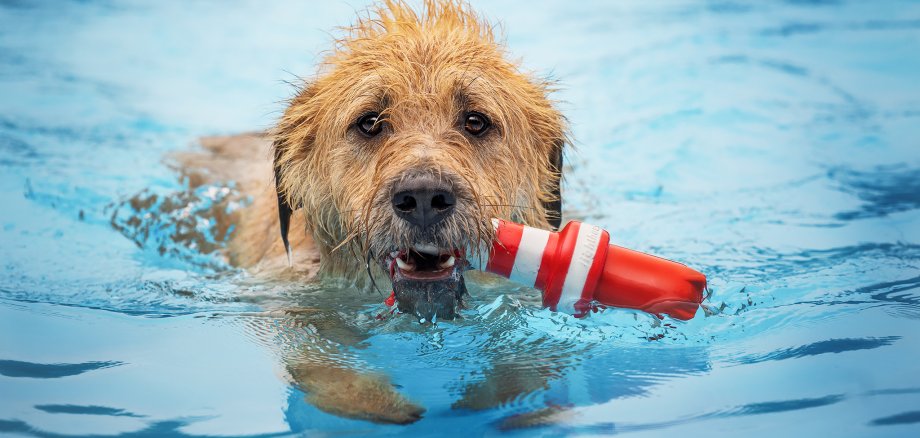
Swimming fun for four-legged friends at the Kevelaer outdoor pool

For the third time, the pilgrimage town of Kevelaer is inviting dogs to swim together with the bathing association. On Sunday, September 22, the four-legged friends can let off steam in the cool water from 10 am to 4 pm. Admission for the furry friends is 4 euros; owners, masters and dog fans who would like to watch pay 2 euros.

Whether in the swimmers' or non-swimmers' pool - the dogs have a free choice and can romp and splash around in the water as well as around the pools. This time, masters and mistresses stay at the edge of the pool, but can cheer on their four-legged friends and play with them. The event is supported by local pet food manufacturer MERA. As in previous years, the kiosk in the outdoor pool will also be open so that all guests can enjoy snacks and refreshing drinks.

Do not forget: Vaccination certificate and insurance

Anyone wishing to take part in dog swimming must remember to bring their vaccination card and proof of existing dog liability insurance. By entering, guests recognize the applicable dog and owner bathing regulations.

Visitors do not have to worry about the chlorine content in the water: After the end of the season on Sunday, September 15, no more fresh chlorine will be added. Swimming is therefore safe for barking bathers. The two-legged friends don't have to worry about the water quality either, as the water in the pools will be completely drained before the next outdoor pool season and, as every year, a thorough cleaning will be carried out. So nothing stands in the way of carefree swimming fun next year.

No employees found.

Help with accessibility

  • General

    We endeavor to make our websites accessible. You can find details on this in our accessibility statement. You can send us suggestions for improvement via our feedback form Report accessibility.

  • Font size

    To adjust the font size, please use the following key combinations:

    Larger

    ⌘command
    +

    Smaller

    ⌘command

    Larger

    Ctrl
    +

    Smaller

    Ctrl
  • Keyboard navigation

    Use TAB and SHIFT + TAB to navigate through next/previous links, form elements and buttons.

    Use ENTER to open links and interact with elements.

  • Contrast mode

    Press the following key combination to reduce or increase the contrast:

    Enlarge

    ⌃control
    ⌥option
    ⌘command
    .

    Decrease

    ⌃control
    ⌥option
    ⌘command
    ,
    Note: The shortcuts must be activated in the system settings of the operating system.

    Press the left ALT key + left SHIFT key + PRINT to quickly switch the high contrast mode on or off.

  • Invert colors

    Press the following key combination to switch the color inversion on and off:

    ⌃control
    ⌥option
    ⌘command
    8
    Note: The shortcuts must be activated in the system settings of the operating system.

    First activate the screen magnifier and then switch the color inversion on and off with the following key combinations:

    1. screen magnifier

    +

    2. invert colors

    Ctrl
    Old
    I
  • Screen magnifier

    Press the following key combinations to use the screen magnifier:

    Switch on/off

    ⌥option
    ⌘command
    8

    Enlarge view

    ⌥option
    ⌘command
    =

    Reduce view

    ⌥option
    ⌘command
    Note: The shortcuts must be activated in the system settings of the operating system.

    Switch on / Enlarge view

    +

    Reduce view